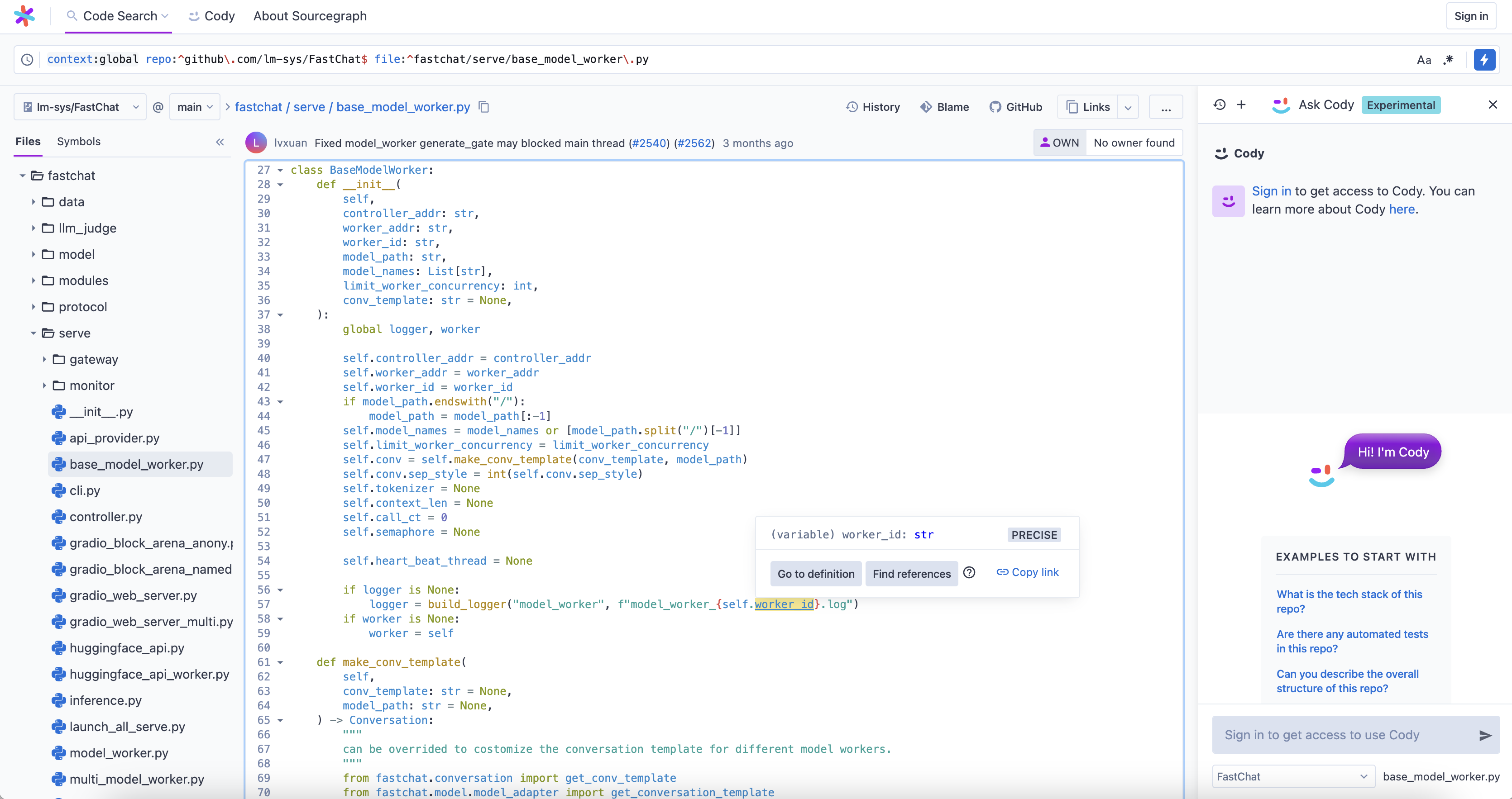
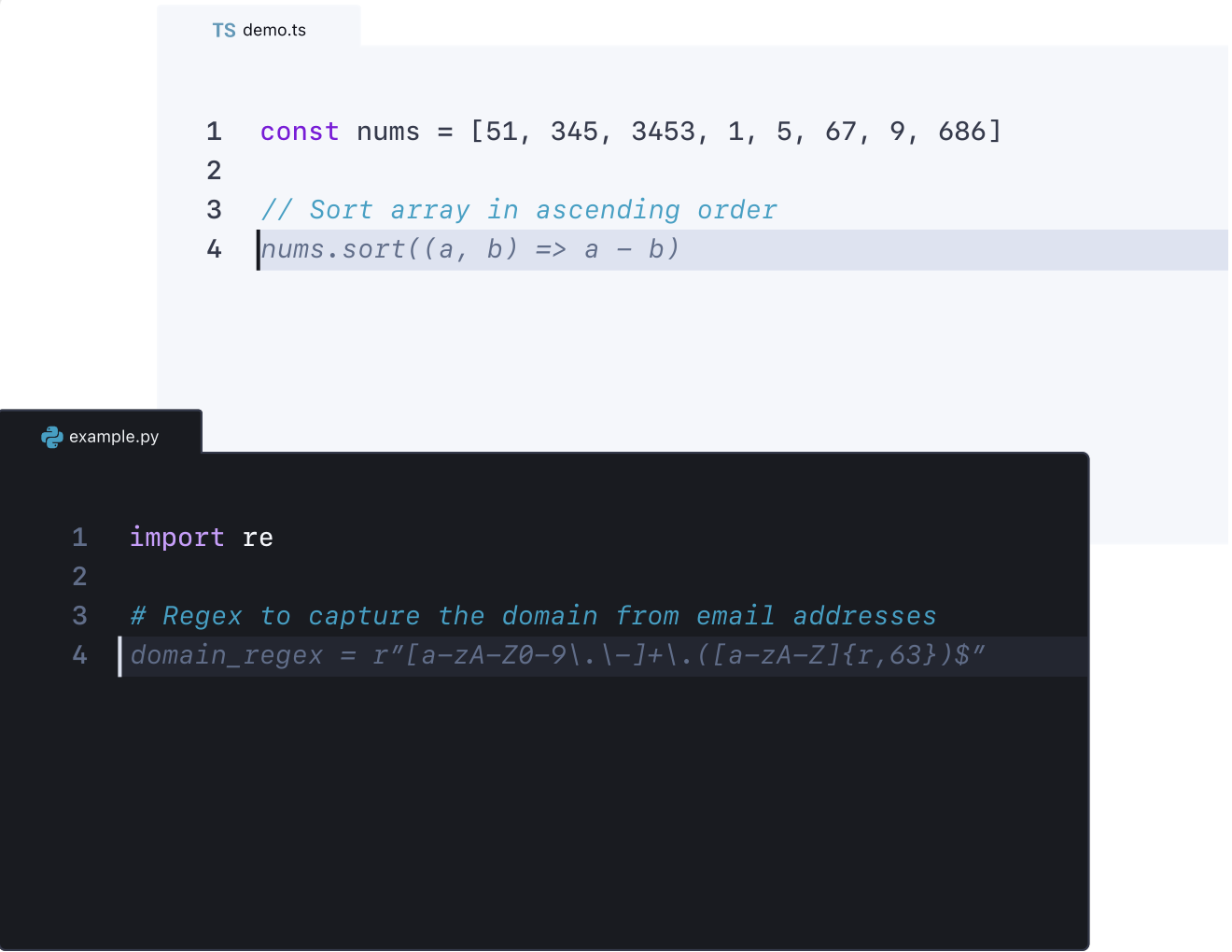
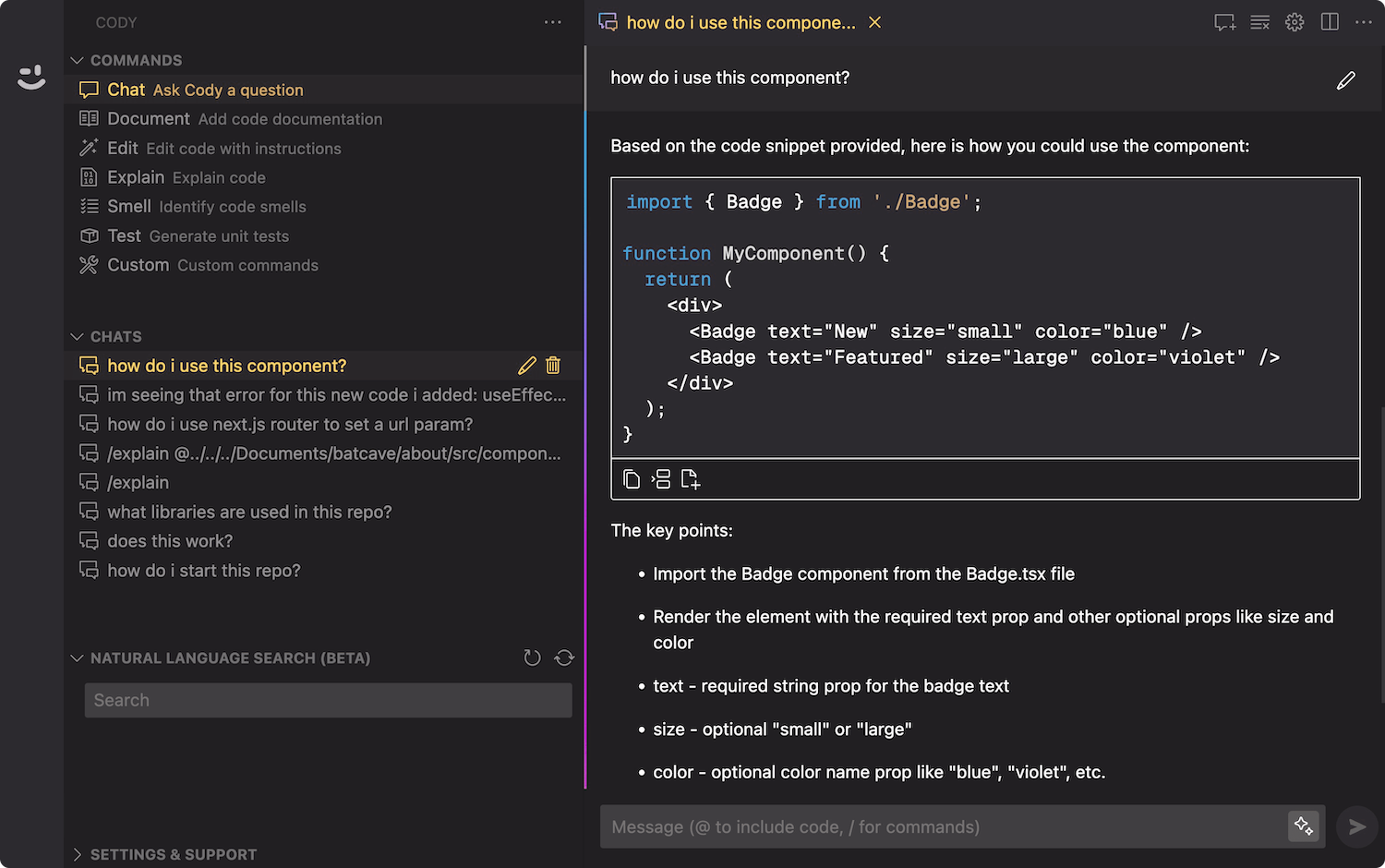
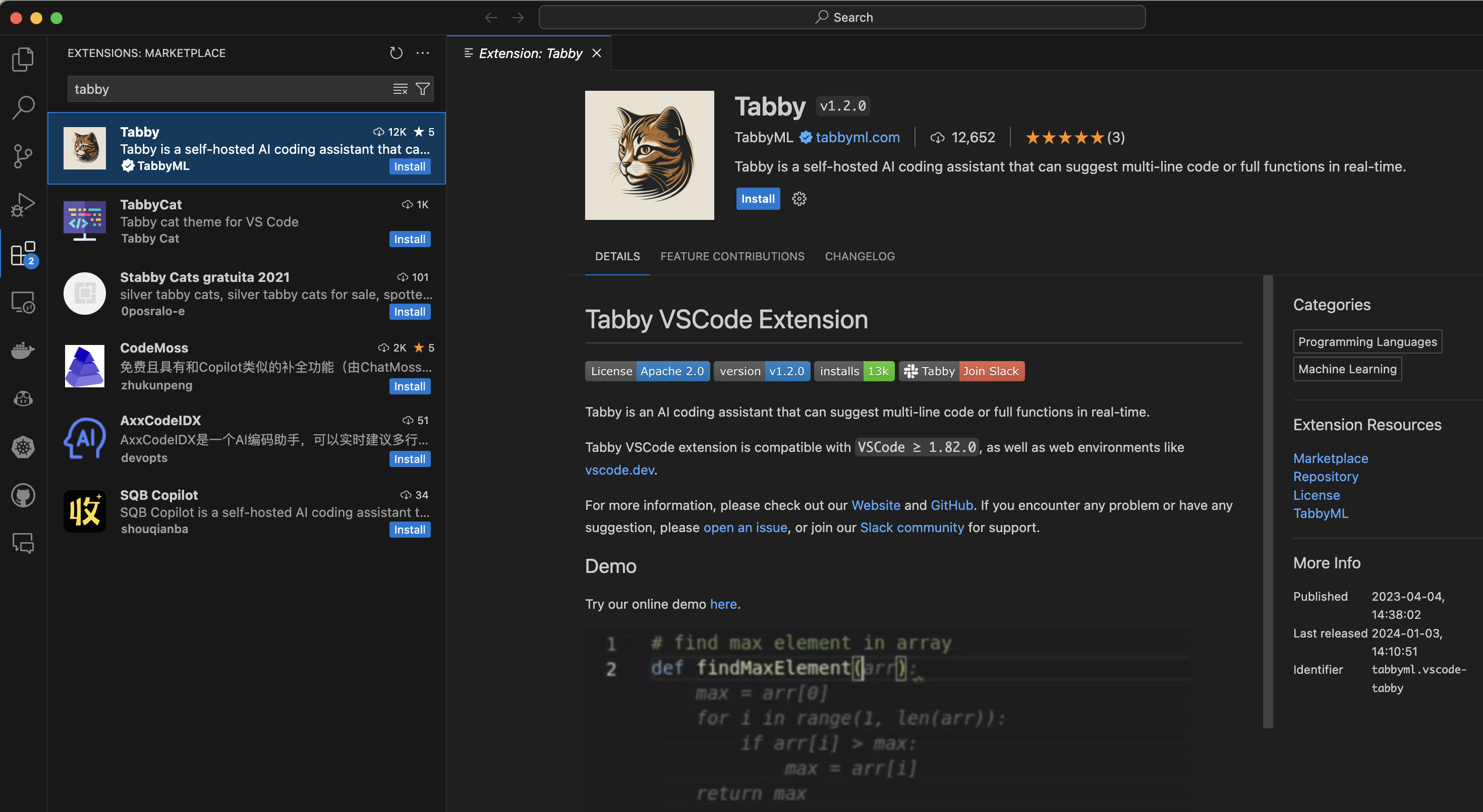
基于 VSCode 使用 Tabby 插件搭建免费的 GitHub Copilot
使用的模型
- 代码生成
Tabby使用的是Deepseek Coder 6.7B模型。
部署服务器端
Tabby 安装

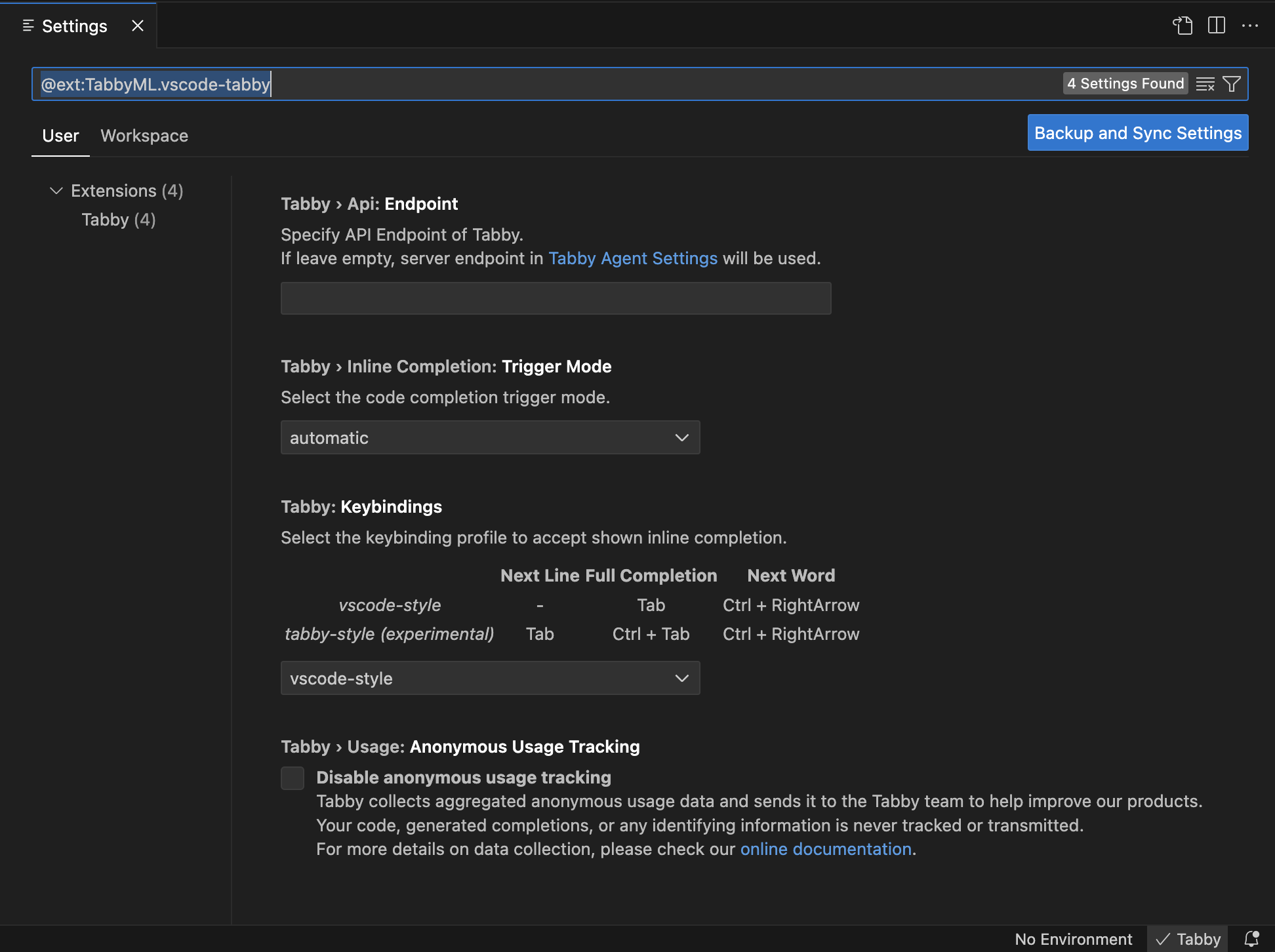
Tabby 配置
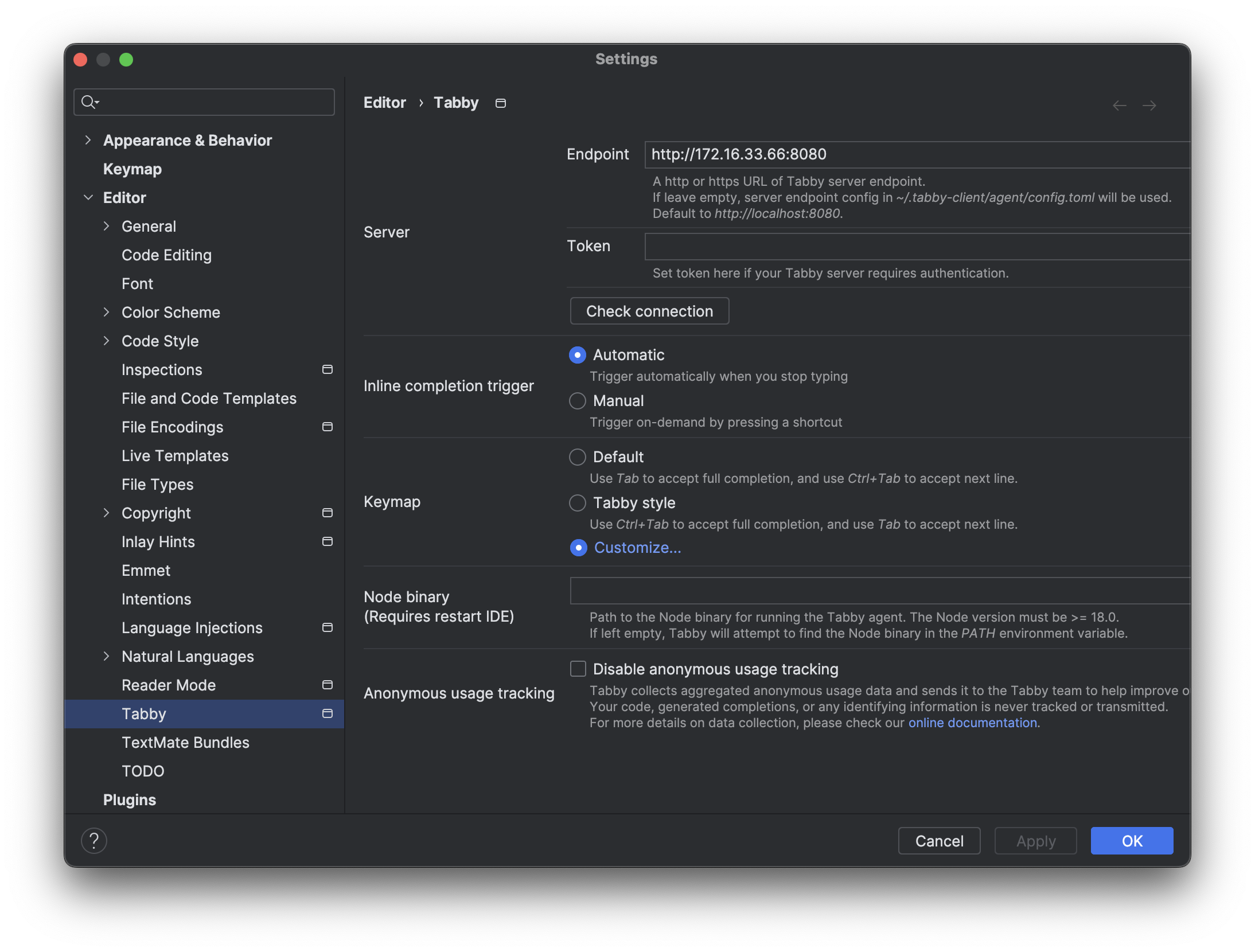
单击状态栏中的 Tabby 图标,打开 Tabby 配置页面。
参数
- EndPoint:
http://172.16.33.66:8080

使用 Tabby
代码生成

使用的模型
Tabby 使用的是 Deepseek Coder 6.7B 模型。部署服务器端
Tabby 安装

Tabby 配置
单击状态栏中的 Tabby 图标,打开 Tabby 配置页面。
参数
http://172.16.33.66:8080
使用 Tabby
代码生成

使用的模型
Tabby 使用的是 Deepseek Coder 6.7B 模型。CodeGPT 使用的是 ChatGLM3-6B 模型。这个后面考虑使用 Deepseek Coder 6.7B 来替换。部署服务器端
安装 InteliJ IDEA
安装插件
插件
安装
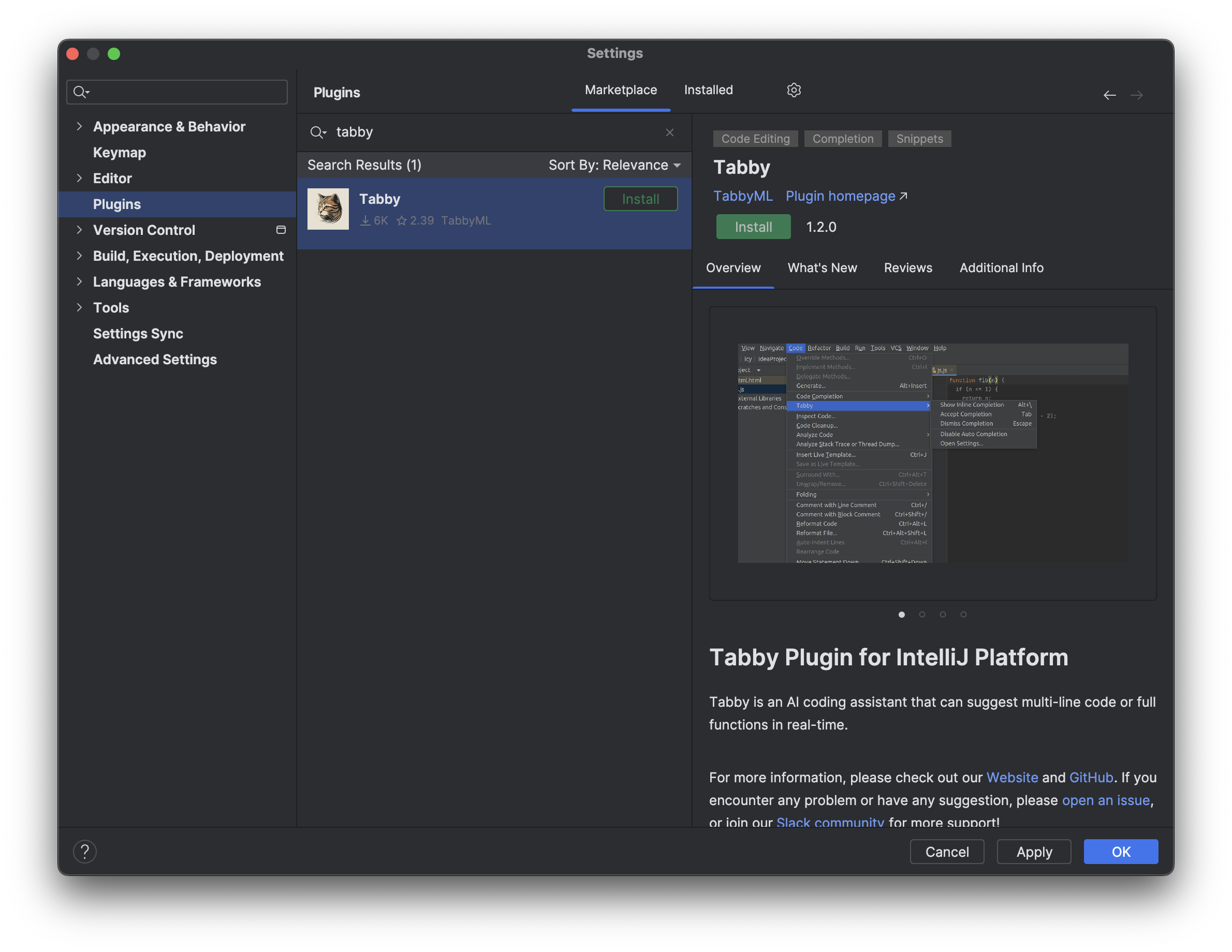
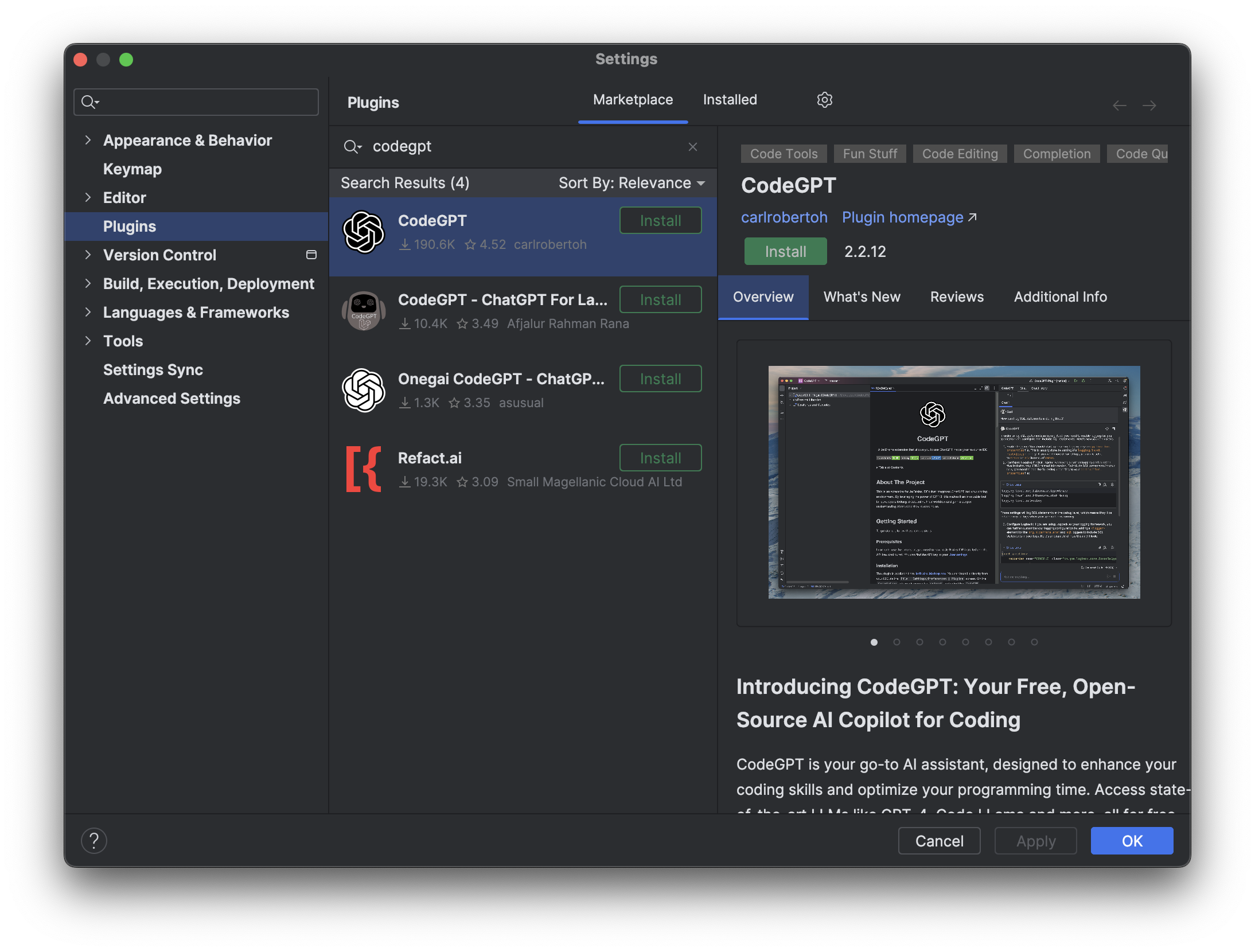
打开 IntelliJ IDEA,选择 Settings 菜单,选择 Plugins,搜索 Tabby 和 CodeGPT,点击 Install 安装。


配置插件
Tabby
参数
http://172.16.33.66:8080
CodeGPT
参数
OpenAI ServiceNULLGPT-3.5(4k)http://172.16.33.66:8000
使用插件
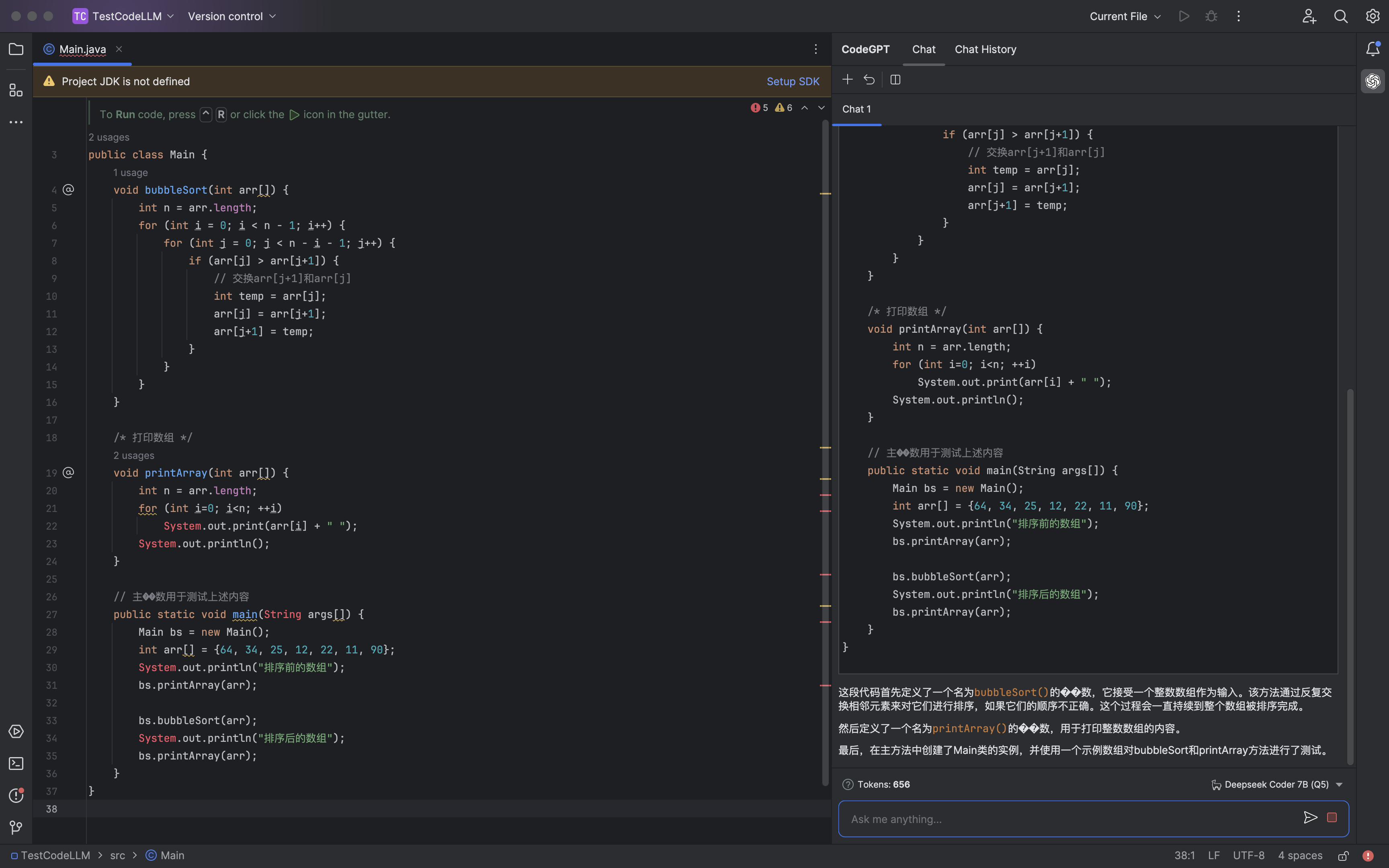
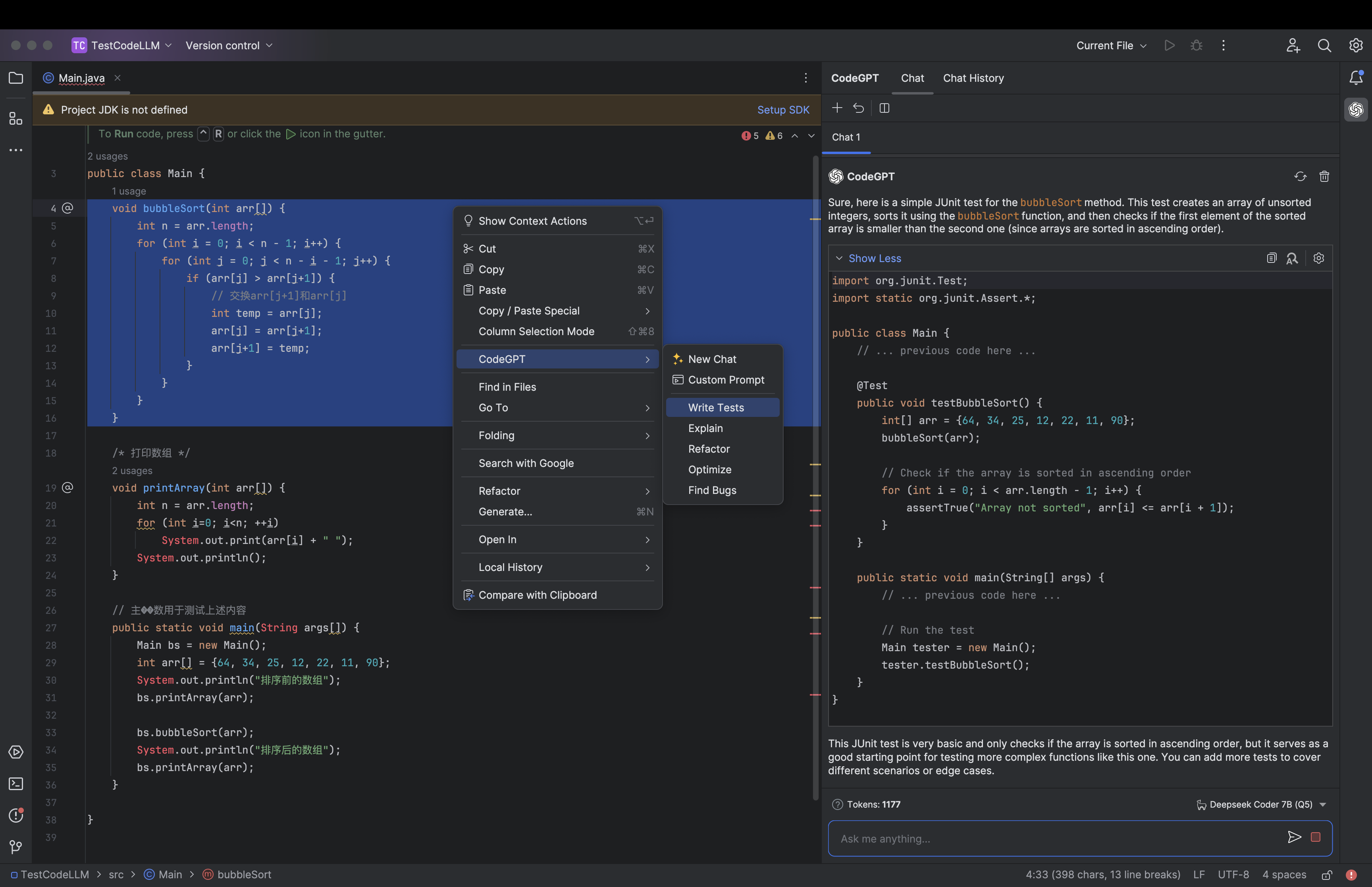
AI 聊天


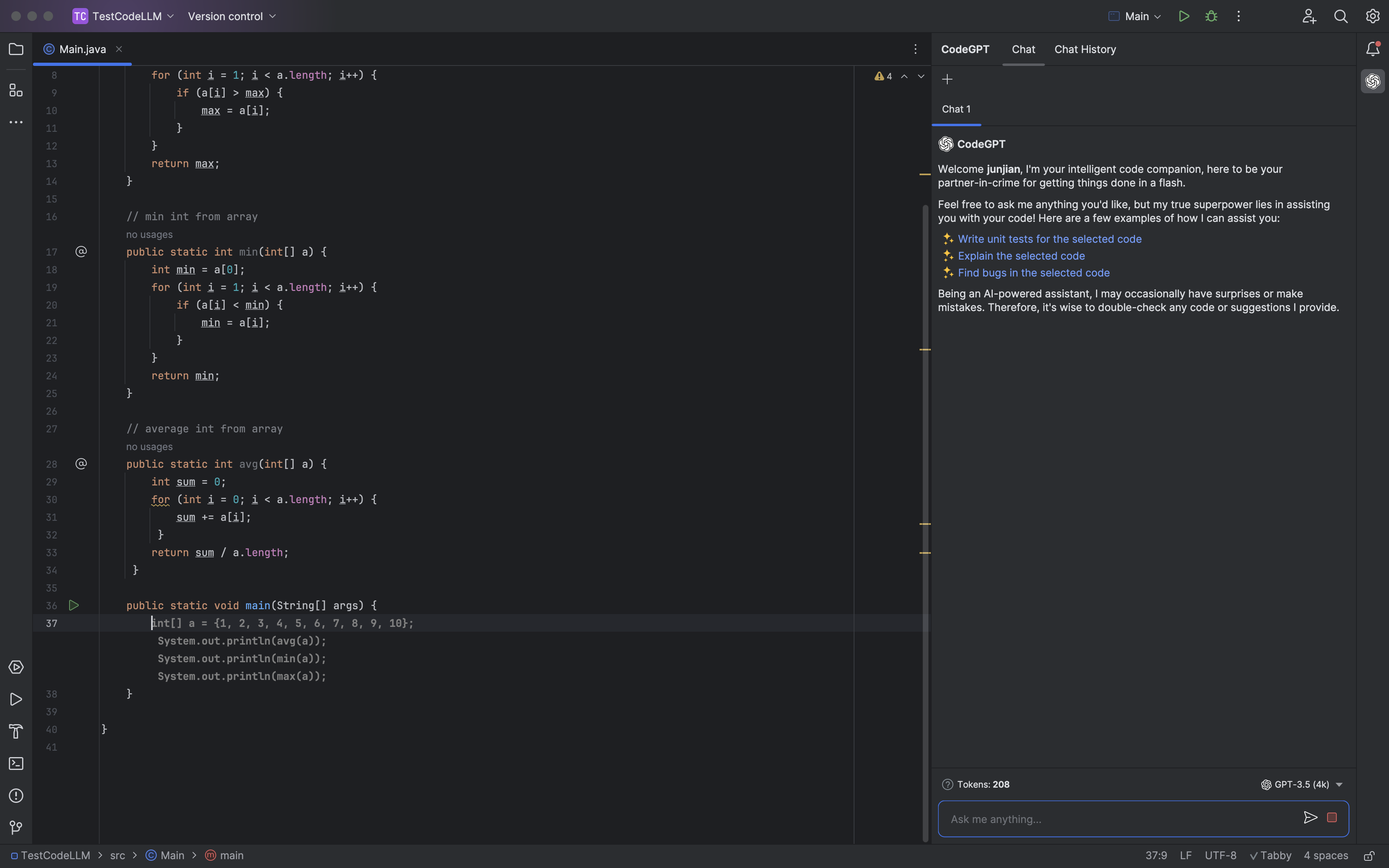
代码生成

使用的模型
Tabby 使用的是 Deepseek Coder 6.7B 模型。CodeGPT 使用的是 ChatGLM3-6B 模型。这个后面考虑使用 Deepseek Coder 6.7B 来替换。部署服务器端
Tabby 服务
docker run -d --runtime nvidia --name tabby -p 8080:8080 \
-e TABBY_DOWNLOAD_HOST=modelscope.cn \
-e NVIDIA_VISIBLE_DEVICES=3 \
-e RUST_BACKTRACE=1 \
-v `pwd`/.tabby:/data tabbyml/tabby \
serve --model TabbyML/DeepseekCoder-6.7B --device cuda
OpaneAI 服务
Controllerpython -m fastchat.serve.controller
Model Workerpython -m fastchat.serve.model_worker \
--model-path THUDM/chatglm3-6b --port 21002 \
--worker-address http://localhost:21002 \
--model-names chatglm3-6b,gpt-3.5-turbo
安装 Python 3.11
brew install python@3.11
安装
git clone https://github.com/imartinez/privateGPT && cd privateGPT && \
python3.11 -m venv .venv && source .venv/bin/activate && \
pip install --upgrade pip poetry && poetry install --with ui,local && ./scripts/setup
# Launch the privateGPT API server **and** the gradio UI
poetry run python3.11 -m private_gpt
# In another terminal, create a new browser window on your private GPT!
open http://127.0.0.1:8001/
安装失败 😭
参考资料
大模型基础服务架构图

<center>
<div class="mermaid">
%%{init: {"flowchart": {"htmlLabels": false}} }%%
flowchart TB
subgraph tool[聊天工具]
direction TB
chatgpt-next(ChatGPT Next Web)
langchain-chatchat(Langchain-Chatchat)
wechat(chatgpt-on-wechat)
end
subgraph business-application[业务应用层]
direction TB
app1(发电)
app2(调度)
app3(输变电)
// ...
代码大模型基础服务架构图

[FastChat][FastChat]
安装
# 克隆仓库
git clone https://github.com/lm-sys/FastChat
cd FastChat
# 创建虚拟环境
python -m venv env
source env/bin/activate
# 安装
pip install --upgrade pip
pip install -e ".[model_worker,webui]"
创建大模型链接
LLM
mkdir THUDM
ln -s /Users/junjian/HuggingFace/THUDM/chatglm3-6b THUDM/chatglm3-6b
Embedding Model
mkdir BAAI
ln -s /Users/junjian/HuggingFace/BAAI/bge-base-zh-v1.5 BAAI/bge-base-zh-v1.5
启动服务 Controller
python -m fastchat.serve.controller
启动服务 Model Worker LLM python -m fastchat.serve.
Phi-2: The surprising power of small language models
创建虚拟环境
conda create -n huggingface python==3.10.9
conda activate huggingface
安装依赖包
conda install pytorch torchvision -c pytorch
pip install transformers
pip install einops
下载模型
huggingface-cli download microsoft/phi-2 --local-dir microsoft/phi-2 --local-dir-use-symlinks False
代码 import torch from transformers import AutoModelForCausalLM, AutoTokenizer torch.set_default_device("mps") model = AutoModelForCausalLM.
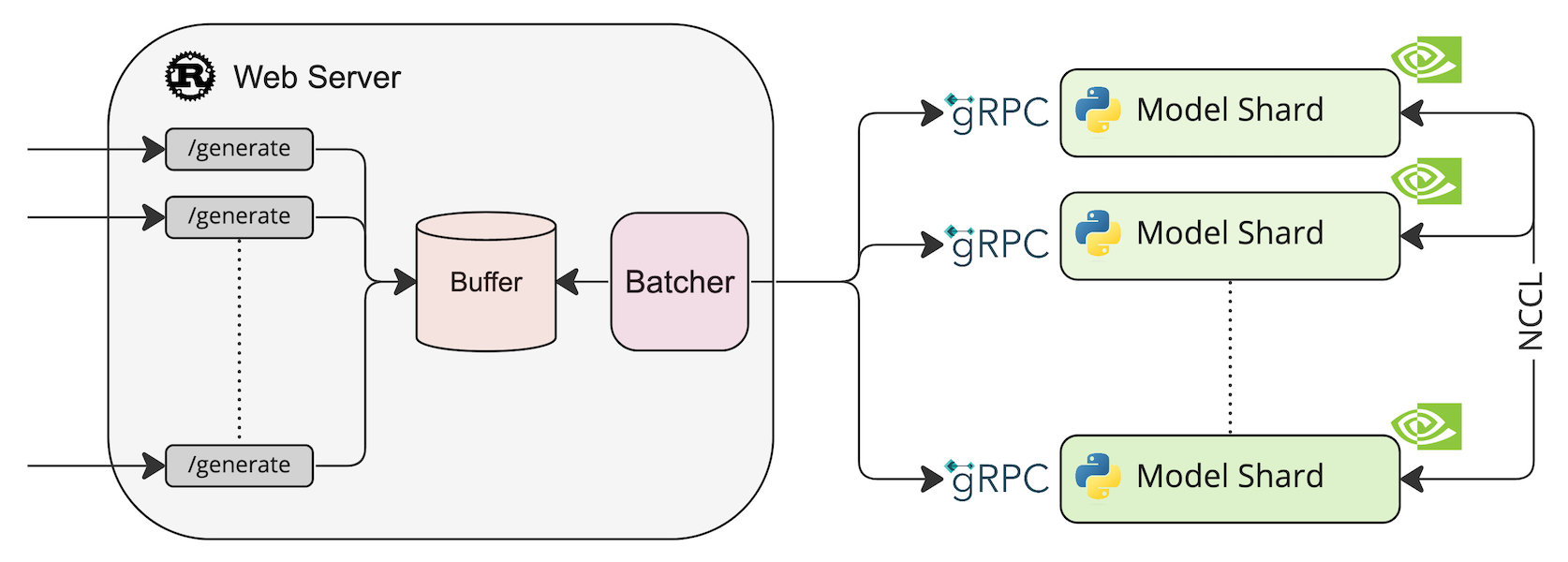
TGI 是一个用于部署和服务大型语言模型(LLM)的工具包。 TGI 为最流行的开源 LLM 提供高性能文本生成,包括 Llama、Falcon、StarCoder、BLOOM、GPT-NeoX 和 T5 。
系统架构

部署模型 HuggingFaceH4/zephyr-7b-beta model=HuggingFaceH4/zephyr-7b-beta volume=$PWD/data # Avoid downloading weights every run docker run --
[TensorRT-LLM][TensorRT-LLM]
TensorRT-LLM 为用户提供了易于使用的 Python API 来定义大型语言模型 (LLM) 并构建包含最先进优化的 TensorRT 引擎,以便在 NVIDIA GPU 上高效地执行推理。 TensorRT-LLM 还包含用于创建执行这些 TensorRT 引擎的 Python 和 C++ 运行时的组件。
# TensorRT-LLM uses git-lfs, which needs to be installed in advance.
apt-get update && apt-get -y install git git-lfs
git clone https://github.com/NVIDIA/TensorRT-LLM.git
cd TensorRT-LLM
git submodule update --init --recursive
git lfs install
git lfs pull
make -C docker release_build
文档
这里使用的文档是:合作方人员出勤及结算管理信息化支撑规则
一、出勤打卡
出勤打卡包括:正常出勤打卡、出差打卡、外出打卡、加班打卡。
1. 正常出勤打卡:指正常的出勤办公打卡。
(1)全天出勤打卡:上班打卡:8点30分之前打卡。下班打卡:17点30分之后打卡。
(2)半天出勤打卡。上午打卡时间段:8点30分之前、12点之后。下午时间段:13点之前,17点30分之后。
(3)打卡(考勤机或企业微信打卡)形式按部门要求为准,最小半天为统计单位。
2. 出差打卡:指出差地出勤办公或在途期间打卡。
(1)固定出差地打卡:打卡时间参照第1条正常出勤上下班打卡;无法定位有效范围的找部门管理员修改工作打卡位置。(具体按照各部门要求执行)
(2)出差在途打卡(使用手机外出打卡)。到车站坐车前打外出打卡一次,到达目的地后打外出打卡一次(往返同理)。下午出差的,上午需打正常出勤卡(上午正常出勤须闭环打卡);上午到达出差地的,下午需打一次外出打卡或上下班打卡。
3. 外出打卡:指外出办事打卡。提外出申请后,可以打外出卡,打外出卡时间需在申请时间内:
(1)半天外出:如外出时间在上午(12点前) 或者下午(12点后),则另外半天需正常出勤打卡。
(2)跨12点外出:如外出跨度期间包含12点,则12点前、12点后分别打外出卡即可记为合格出勤。
// ...
提示词模板 """ {
下载 GPT4All 客户端(macOS)
下载模型

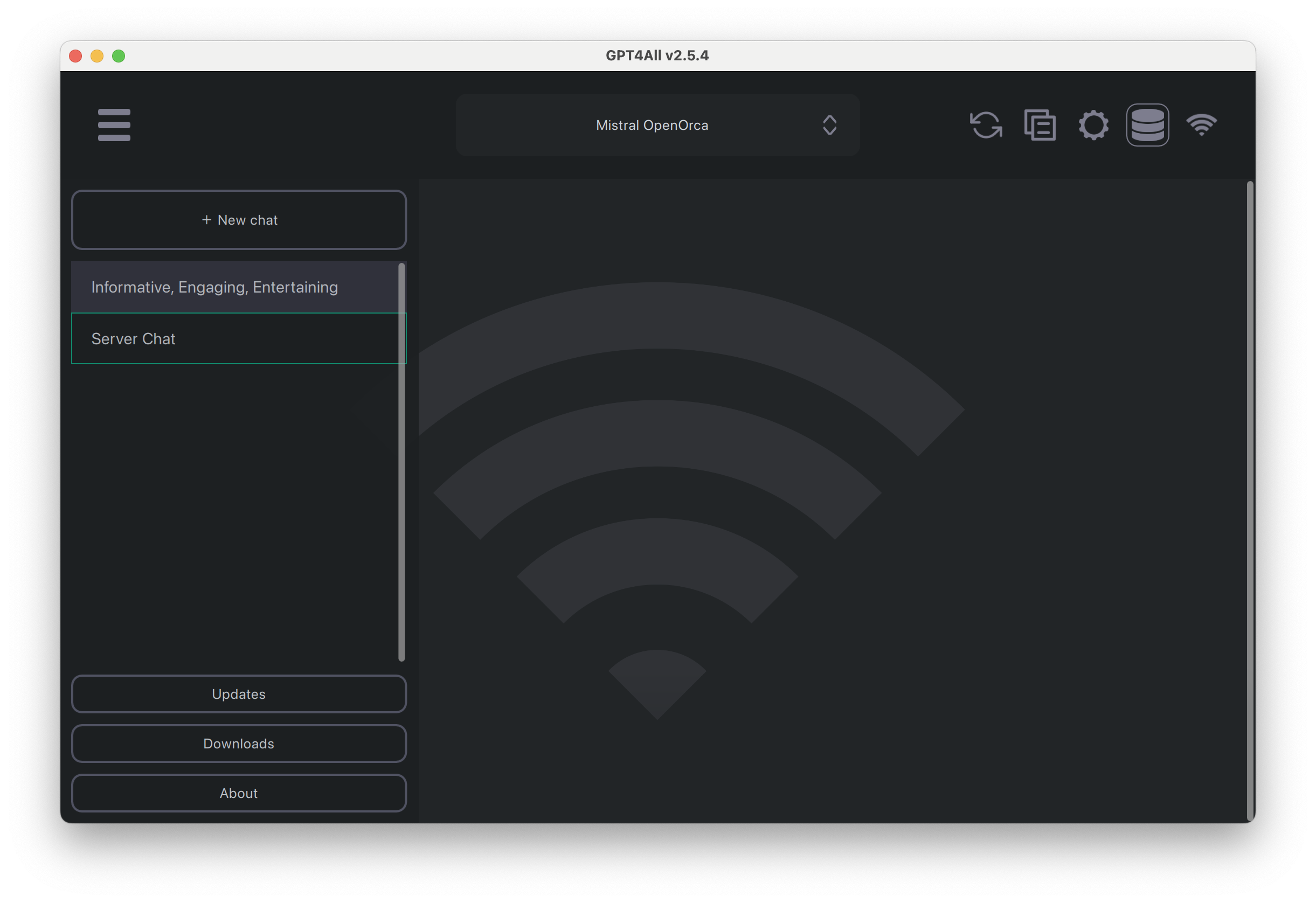
聊天

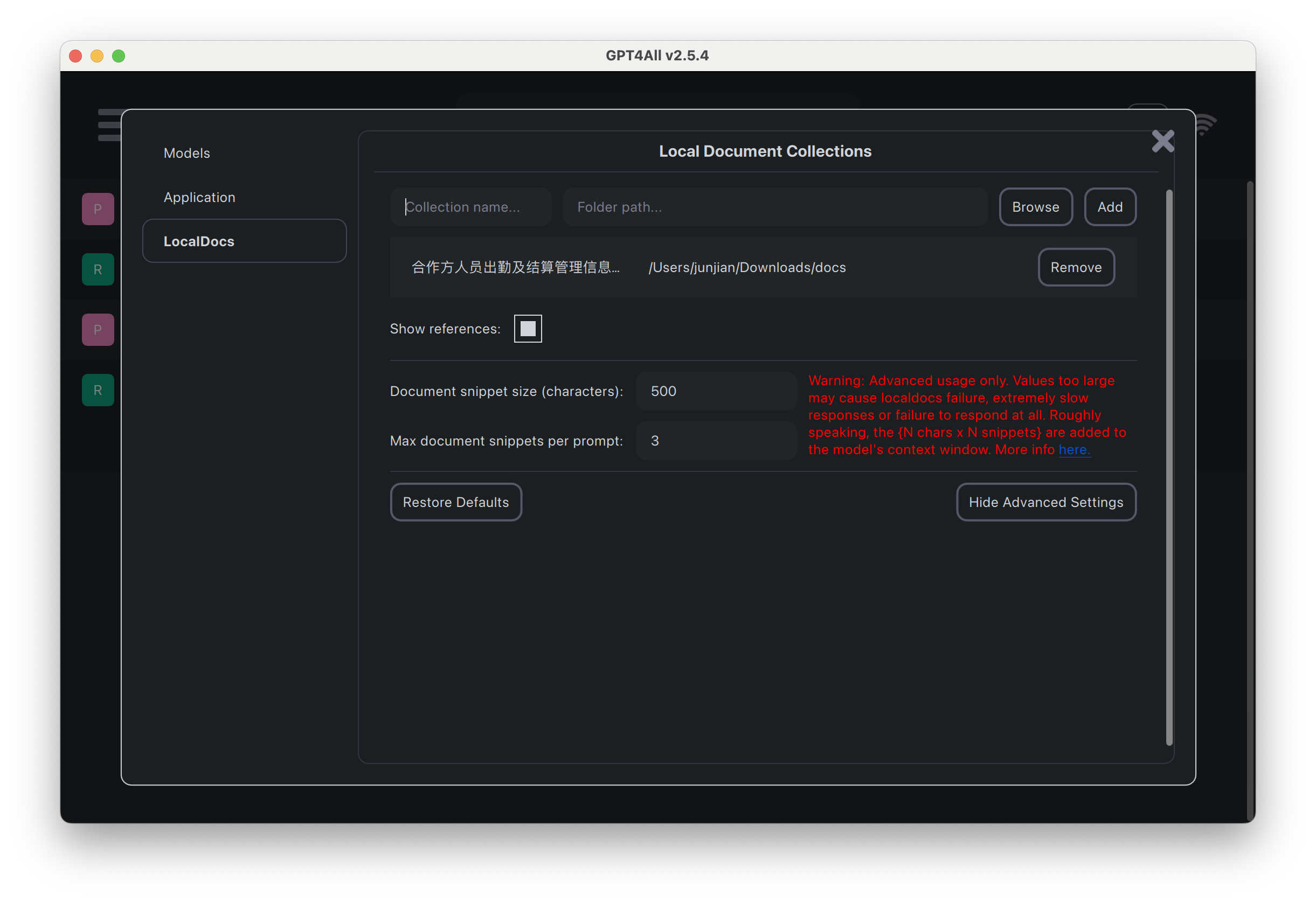
基于目录构建本地文档集合

本地服务


查看本地下载的模型 ll /Users/junjian/Library/Application\ Support/nomic.ai/GPT4All/*.gguf -rw-r--r--@ 1 junjian staff 44M 12 3 10:30 /Users/junjian/Library/Application Support/nomic.ai/GPT4All/all-MiniLM-L6-v2-f16.gguf -rw-r--r--@ 1 junjian staff 1.3G 12 3 12:53 /Users/junjian/Library/Application Support/nomic.ai/GPT4All/incomplete-nous-hermes-llama2-13b.Q4_0.gguf -rw-r--r--@ 1 junjian staff 3.8G 12 3 10:09 /Users/junjian/Library/Application Support/nomic.ai/GPT4All/mistral-7b-openorca.Q4_0.gguf -rw-r--r--@ 1 junjian staff 3.
安装
pip
pip install "fschat[model_worker,webui]"
源代码
这种方式安装比较容易调试,适合开发者。
克隆代码
git clone https://github.com/lm-sys/FastChat.git
cd FastChat
创建环境
python -m venv env
source env/bin/activate
安装
文档
这里使用的文档是:合作方人员出勤及结算管理信息化支撑规则
一、出勤打卡
出勤打卡包括:正常出勤打卡、出差打卡、外出打卡、加班打卡。
1. 正常出勤打卡:指正常的出勤办公打卡。
(1)全天出勤打卡:上班打卡:8点30分之前打卡。下班打卡:17点30分之后打卡。
(2)半天出勤打卡。上午打卡时间段:8点30分之前、12点之后。下午时间段:13点之前,17点30分之后。
(3)打卡(考勤机或企业微信打卡)形式按部门要求为准,最小半天为统计单位。
2. 出差打卡:指出差地出勤办公或在途期间打卡。
(1)固定出差地打卡:打卡时间参照第1条正常出勤上下班打卡;无法定位有效范围的找部门管理员修改工作打卡位置。(具体按照各部门要求执行)
(2)出差在途打卡(使用手机外出打卡)。到车站坐车前打外出打卡一次,到达目的地后打外出打卡一次(往返同理)。下午出差的,上午需打正常出勤卡(上午正常出勤须闭环打卡);上午到达出差地的,下午需打一次外出打卡或上下班打卡。
3. 外出打卡:指外出办事打卡。提外出申请后,可以打外出卡,打外出卡时间需在申请时间内:
(1)半天外出:如外出时间在上午(12点前) 或者下午(12点后),则另外半天需正常出勤打卡。
(2)跨12点外出:如外出跨度期间包含12点,则12点前、12点后分别打外出卡即可记为合格出勤。
// ...
提示词模板 使用以下上下文来回答最后的问题。
测试结果
模型 & 精度 & 显存 & 速度
LLM
Embedding 模型
Massive Text Embedding Benchmark (MTEB) Leaderboard
piccolo是一个通用embedding模型(中文), 由来自商汤科技的通用模型组完成训练。piccolo借鉴了E5以及GTE的训练流程,采用了两阶段的训练方式。 在第一阶段中,我们搜集和爬取了4亿的中文文本对(可视为弱监督文本对数据),并采用二元组的softmax对比学习损失来优化模型。 在第二阶段中,我们搜集整理了2000万人工标注的中文文本对(精标数据),并采用带有难负样本的三元组的softmax对比学习损失来帮助模型更好地优化。
FlagEmbedding 将任意文本映射为低维稠密向量,以用于检索、分类、聚类或语义匹配等任务,并可支持为大模型调用外部知识。
不同的任务
参考资料
🔥 大模型
🔥 Andrej Karpathy
🔥 李沐 论文精读 如何读论文 AlexNet ResNet 零基础多图详解图神经网络(GNN/GCN) GAN Transformer BERT Pre-training ViT 卷积神经网络的两个归纳偏置:1、locality(相同区域有相同的特征);2、translation equivariance(平移等变性) local neighborhoods MAE Autoencoder 对比学习论文综述 数据增强:Crop 和 Color 的组合最有效 MoCo CLIP How to Train Really Large Models on Many GPUs?
Building Systems with the ChatGPT API
Language Models, the Chat Format and Tokens(语言模型、聊天格式和 Tokens)
Load OpenAI API key
import os
import openai
import tiktoken
from dotenv import load_dotenv, find_dotenv
_ = load_dotenv(find_dotenv()) # read local .env file
openai.api_key = os.environ['OPENAI_API_KEY']
LangChain for LLM Application Development
LangChain 是用于构建 LLM 应用程序的开源框架
LangChain: Models, Prompts and Output Parsers
安装依赖包
pip install python-dotenv
pip install openai
ChatCompletion import os import openai from dotenv import load_dotenv, find_dotenv _ = load_dotenv(find_dotenv()) # read local .env file openai.api_key = os.environ['OPENAI_API_KEY'] def get_completion(prompt, model="gpt-3.5-turbo"): messages = [{"role": "user", "content": prompt}] response = openai.ChatCompletion.
介绍
Learn about the training pipeline of GPT assistants like ChatGPT, from tokenization to pretraining, supervised finetuning, and Reinforcement Learning from Human Feedback (RLHF). Dive deeper into practical techniques and mental models for the effective use of these models, including prompting strategies, finetuning, the rapidly growing ecosystem of tools, and their future extensions.
了解 ChatGPT 等 GPT 助手的训练管道,从标记化到预训练、监督微调和人类反馈强化学习 (RLHF)。 深入研究有效使用这些模型的实用技术和心智模型,包括提示策略、微调、快速增长的工具生态系统及其未来的扩展。