PhotoRoom 是一款 AI 驱动的在线照片编辑平台,以「一键 AI 抠图 + 智能背景替换」为核心能力,帮助电商商家与内容创作者在几秒内完成专业级产品图与社交媒体素材的制作。
What|是什么
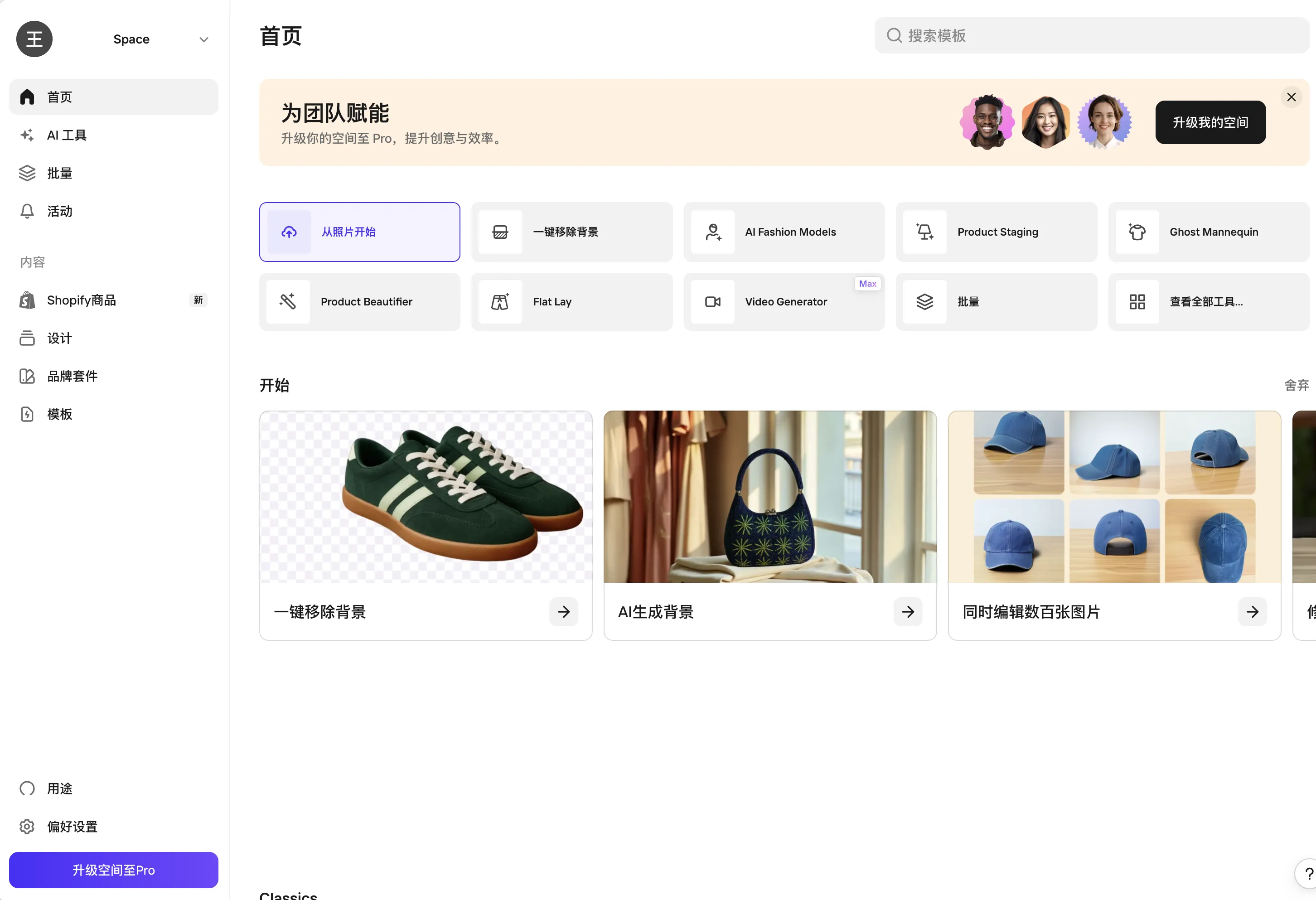
PhotoRoom 本质上是一个面向非设计人员的视觉内容生产工具,覆盖 Web、iOS、Android 全平台:
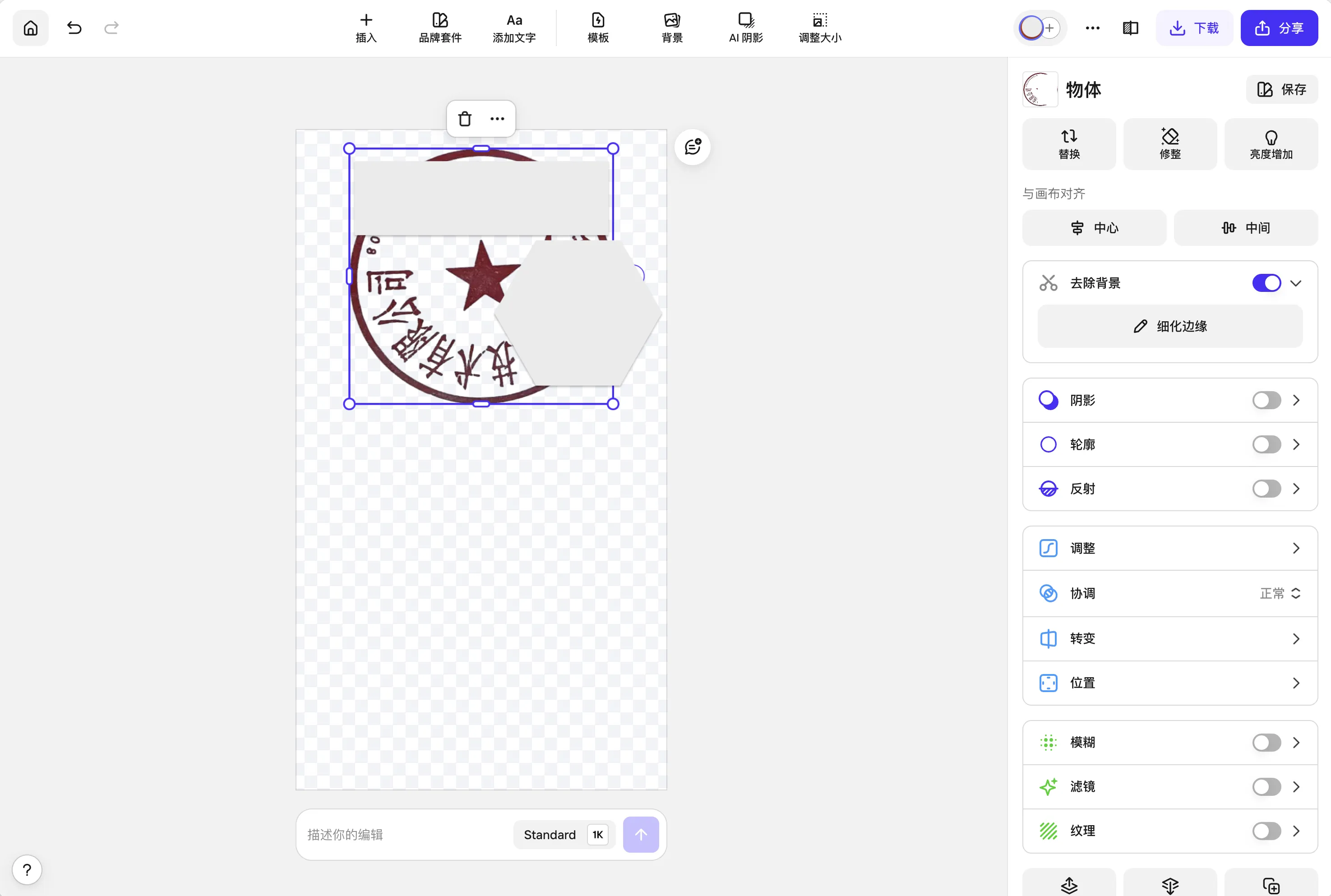
- 即时背景移除(Instant Background Remove):基于 AI 分割模型一键抠图,可处理发丝、毛绒、透明物体等复杂边缘
- AI 背景生成(AI Backgrounds):输入文字提示(如 "a tropical beach at sunset with reflections"),自动生成匹配主体的新背景
- 阴影与倒影效果:自动添加真实感投影、镜面反射、辉光等效果
- 批量编辑(Batch Editing):一次设置批量应用到多张图片
- 视频背景(Video Backgrounds,Beta):将 AI 背景应用于短视频(Reels/TikTok)
- 自动裁剪与尺寸适配:一键导出符合 Shopify、Amazon、Etsy、Instacart 等电商平台规范的尺寸
Why|为什么值得关注
PhotoRoom 命中了电商与内容创作领域的一个高频刚需痛点:传统产品图拍摄需要影棚、摄影师、后期,而通用修图工具(如 Photoshop、Canva)学习成本高、抠图步骤
