2 篇文章带有标签 “remote-development”

SSH X11 Forwarding

macOS

XQuartz

  • 安装
brew cask install xquartz
  • 验证
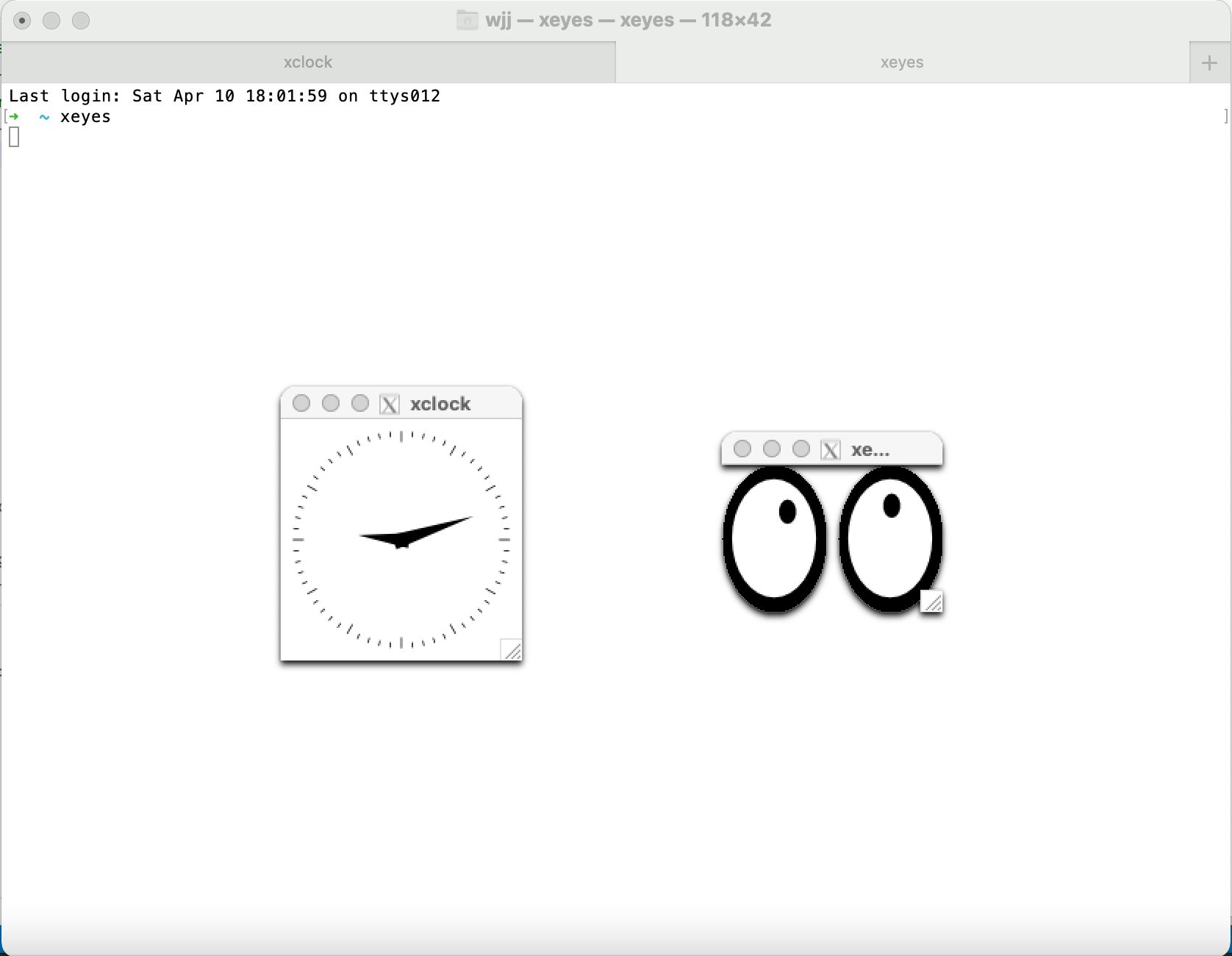
xclock
xeyes

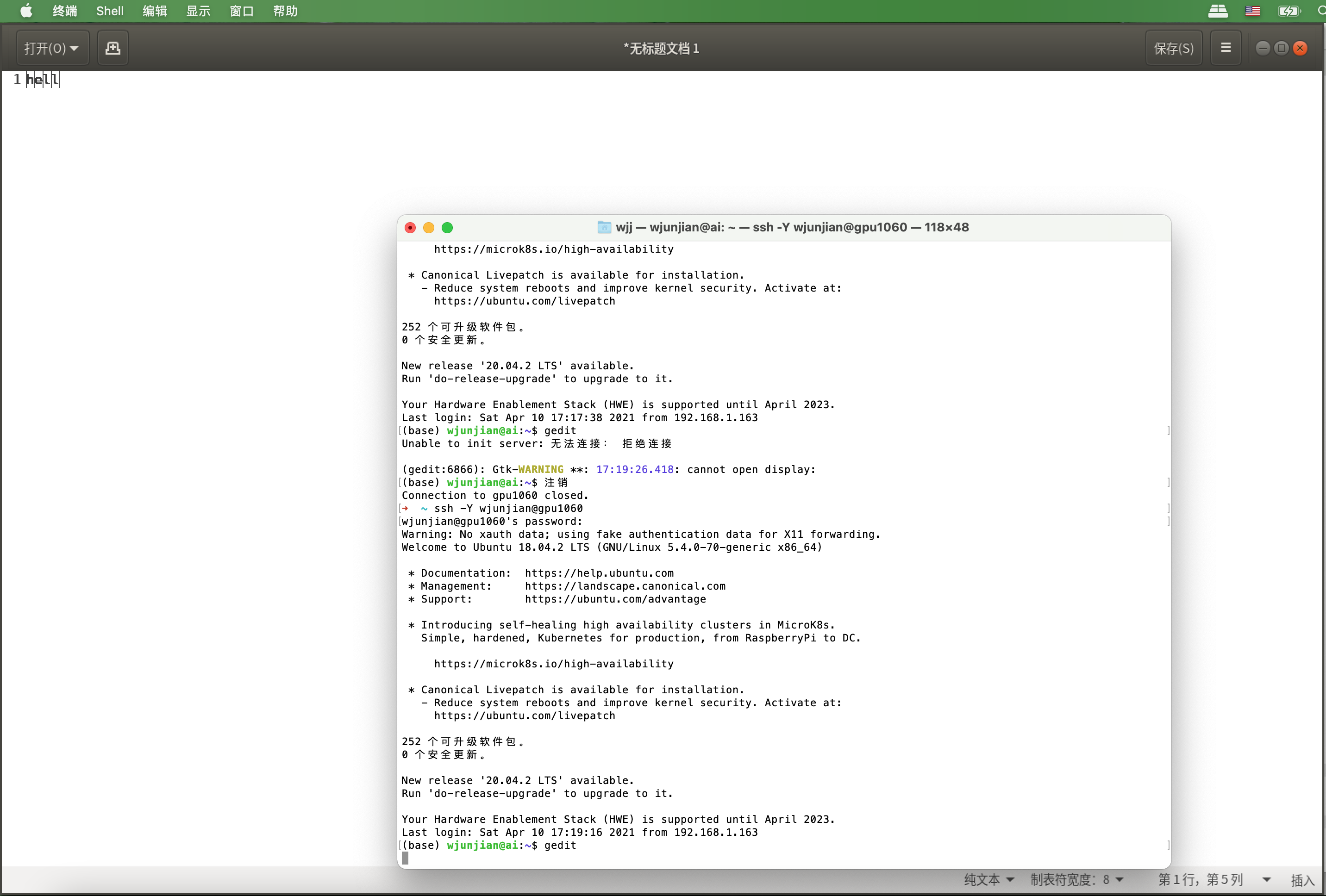
不使用XAuth

$ ssh -Y username@hostname
(base) username@hostname:~$ gedit
使用XAuth

  • 查找XAuth的位置
$ which xauth
/opt/X11/bin/xauth
  • 配置XAuth
$ vim ~/.ssh/config
Host *
    XAuthLocation /opt/X11/bin/xauth
  • SSH登录,可以尝试使用 ssh -X -vv 查看更多的失败信息。
$ ssh -X username@hostname
(base) username@hostname:~$ gedit

参考资料 How To Set Up And Use X11 Forwarding On Linux And Mac What does “Warning: untrusted X11 forwarding setup failed: xauth key data not generated” mean when ssh'ing with -X?


VS Code远程开发 - SSH

架构图

安装

Remote

Local

连接远程主机

  1. 在VS Code中, 按F1,选择Remote-SSH: Connect to Host...输入user@hostname。
  1. VS Code将连接到SSH服务器并进行设置。 VS Code将使用进度通知使您保持最新状态。

  1. 连接后,您将进入一个空窗口。 您始终可以参考状态栏来查看连接到的主机。

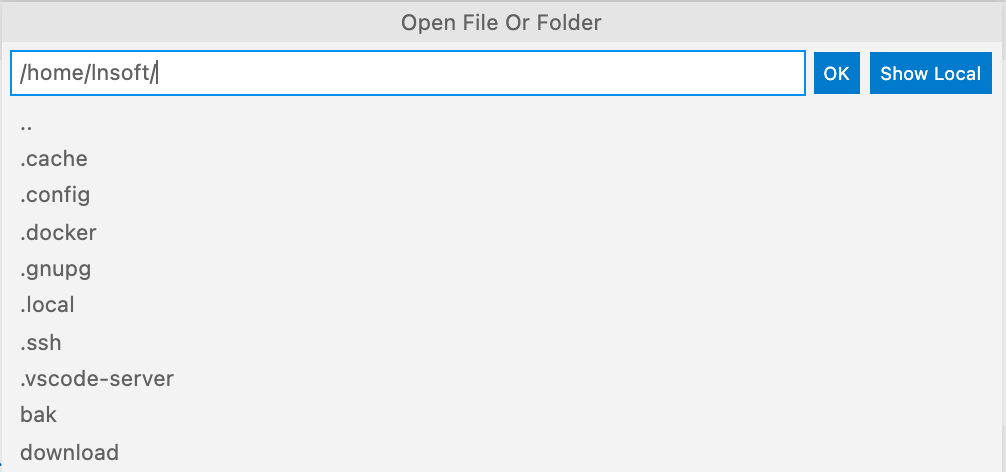
  1. 选择菜单:File > Open...

关闭远程连接

  • 选择菜单:File > Close Remote Connection。
  • 您可以简单地退出VS Code,也可以关闭远程连接。

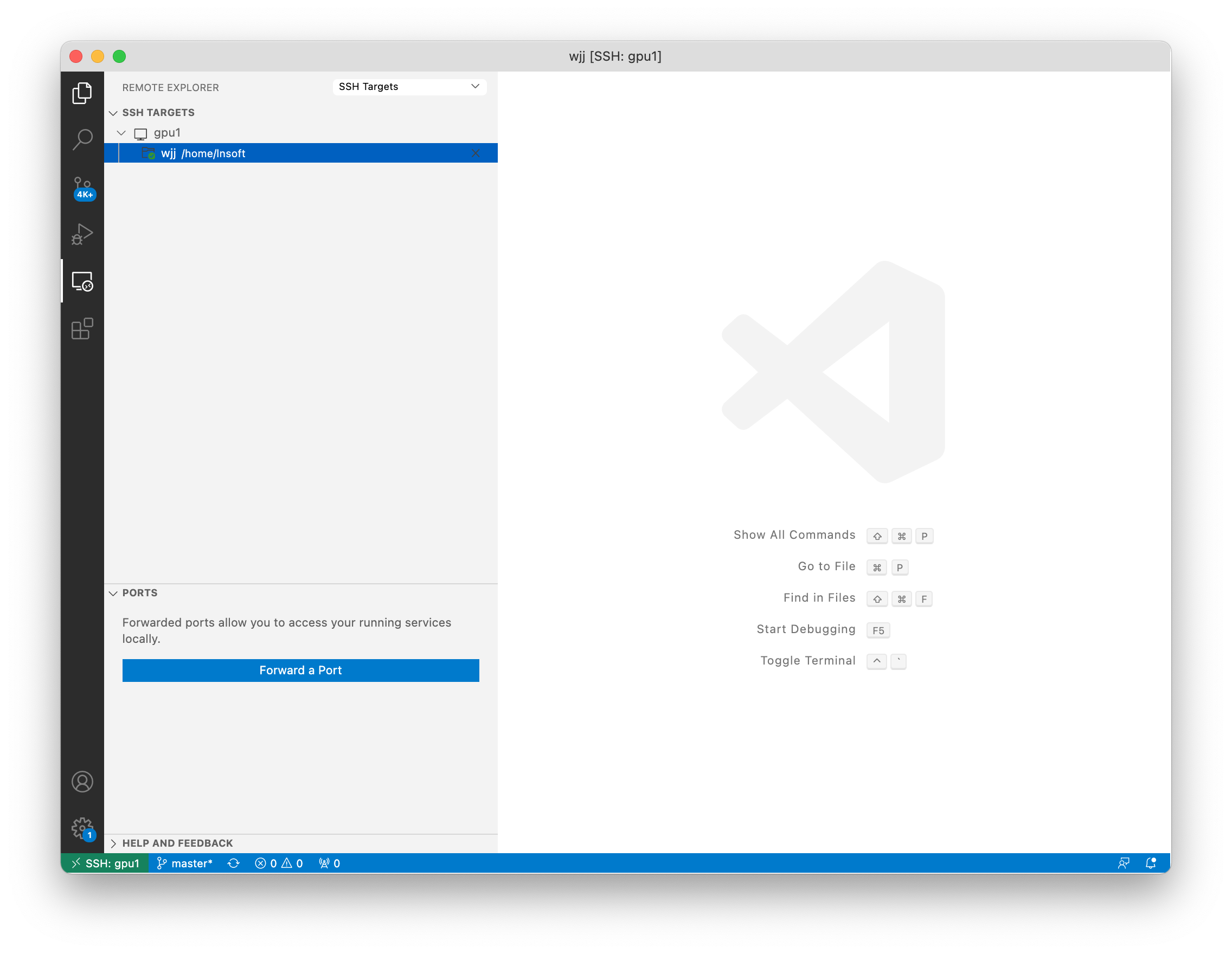
Remote Explorer

管理您的远程连接

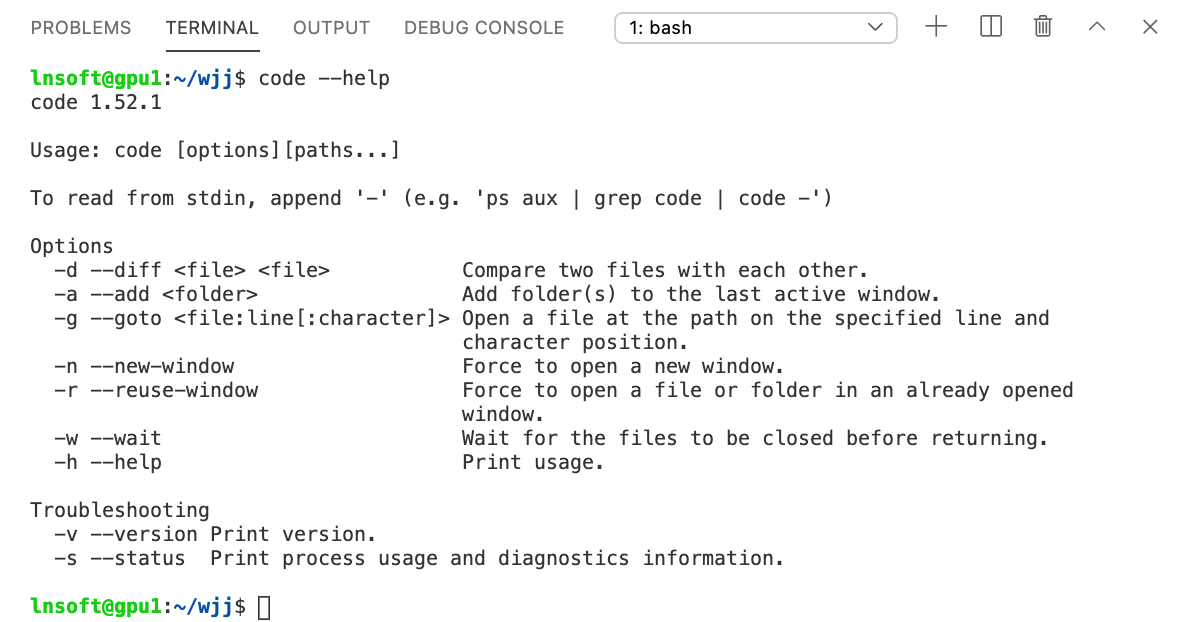
在远程主机上打开终端

选择菜单:Terminal > New Terminal

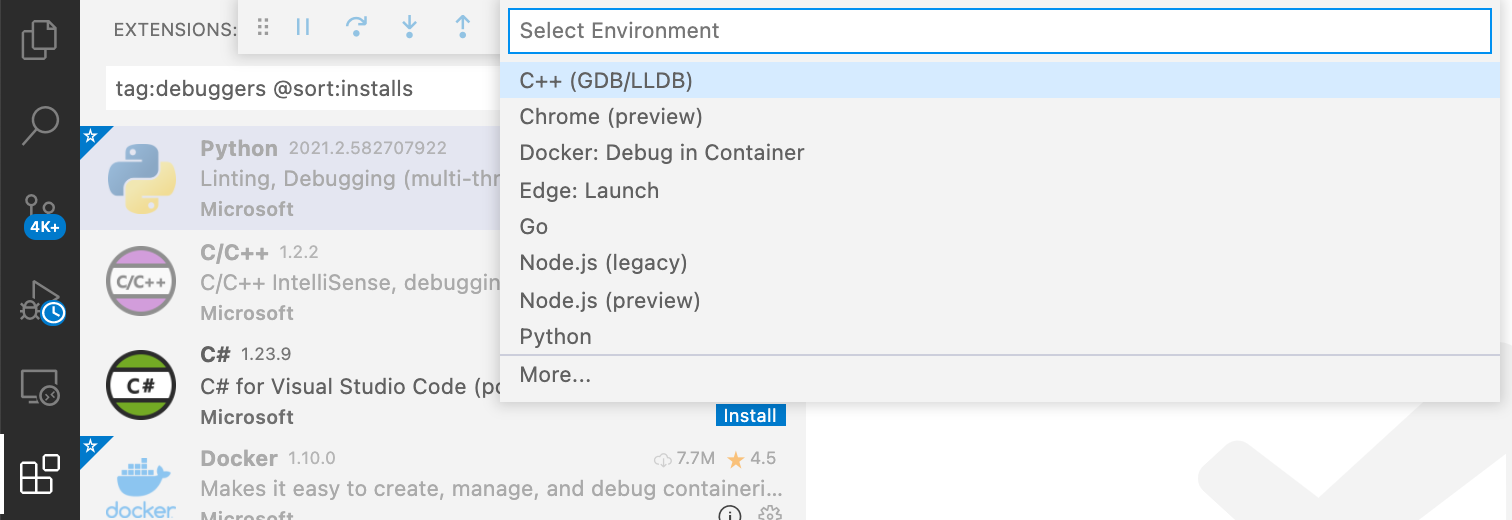
在远程主机调试

在Extensions窗口中选择要在远程主机上安装的调试器,按F5。

FAQ "Visual Studio Code is unable to watch for file changes in this large workspace" (error