2 篇文章带有标签 “GGUF”

在 MLX 上使用 LoRA / QLoRA 微调 Text2SQL(七):MLX 微调的模型转换为 GGUF 模型

将 MLX 微调的模型转换为 GGUF 模型最大的意义是可以融入 GGUF 的生态系统,可以在更多的平台上使用。

修改脚本 mlx-examples/lora/data/wikisql.py

if __name__ == "__main__":
    # ......
    for dataset, name, size in datasets:
        with open(f"data/{name}.jsonl", "w") as fid:
            for e, t in zip(range(size), dataset):
                t = t[3:]
                json.dump({"text": t}, fid)
                fid.write("\n")

执行脚本 data/wikisql.py 生成数据集。

data/wikisql.py
pip install mlx-lm
CodeGPT: 智能辅助编程

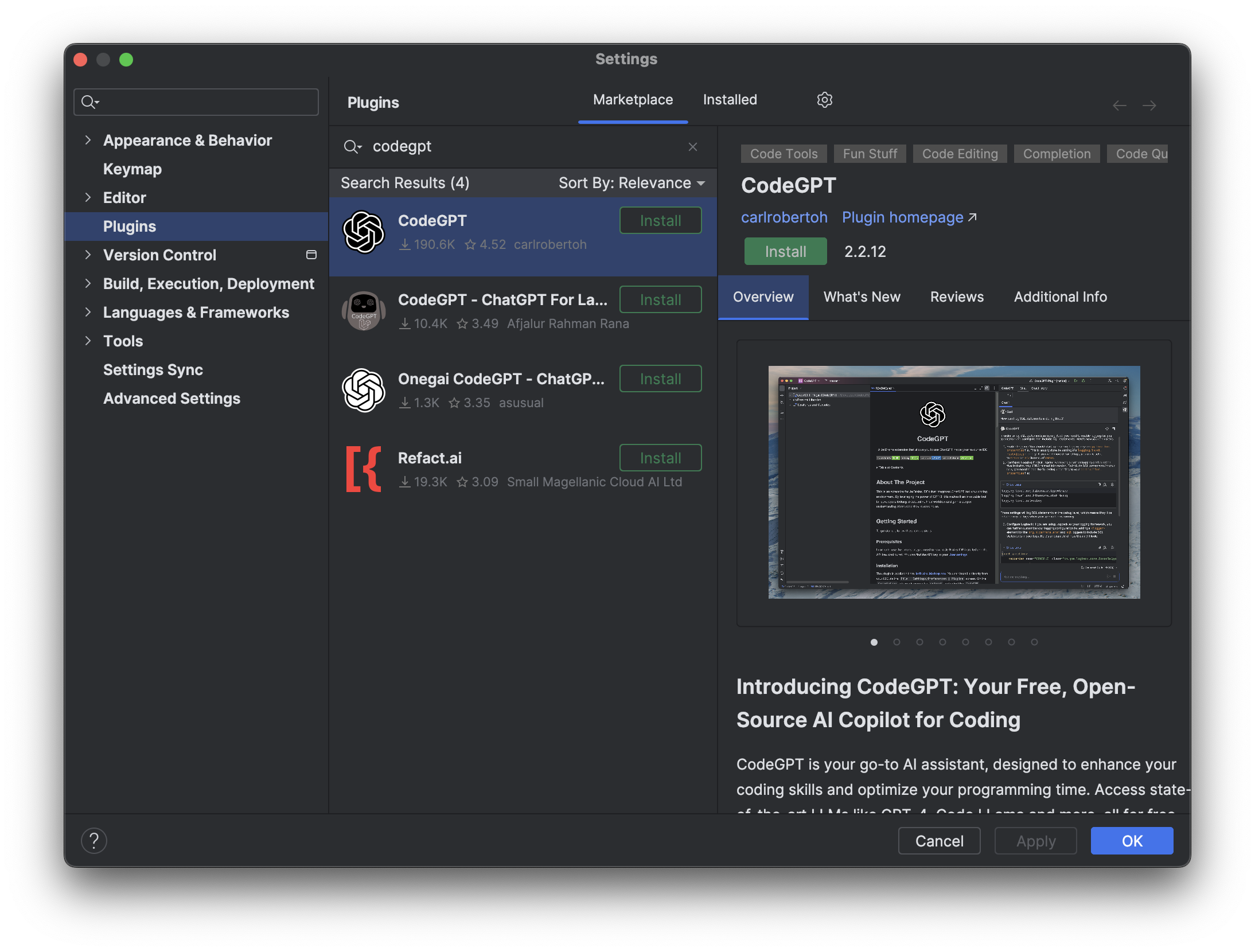
打开 IntelliJ IDEA,选择 Settings 菜单,选择 Plugins,搜索 CodeGPT,点击 Install 安装。

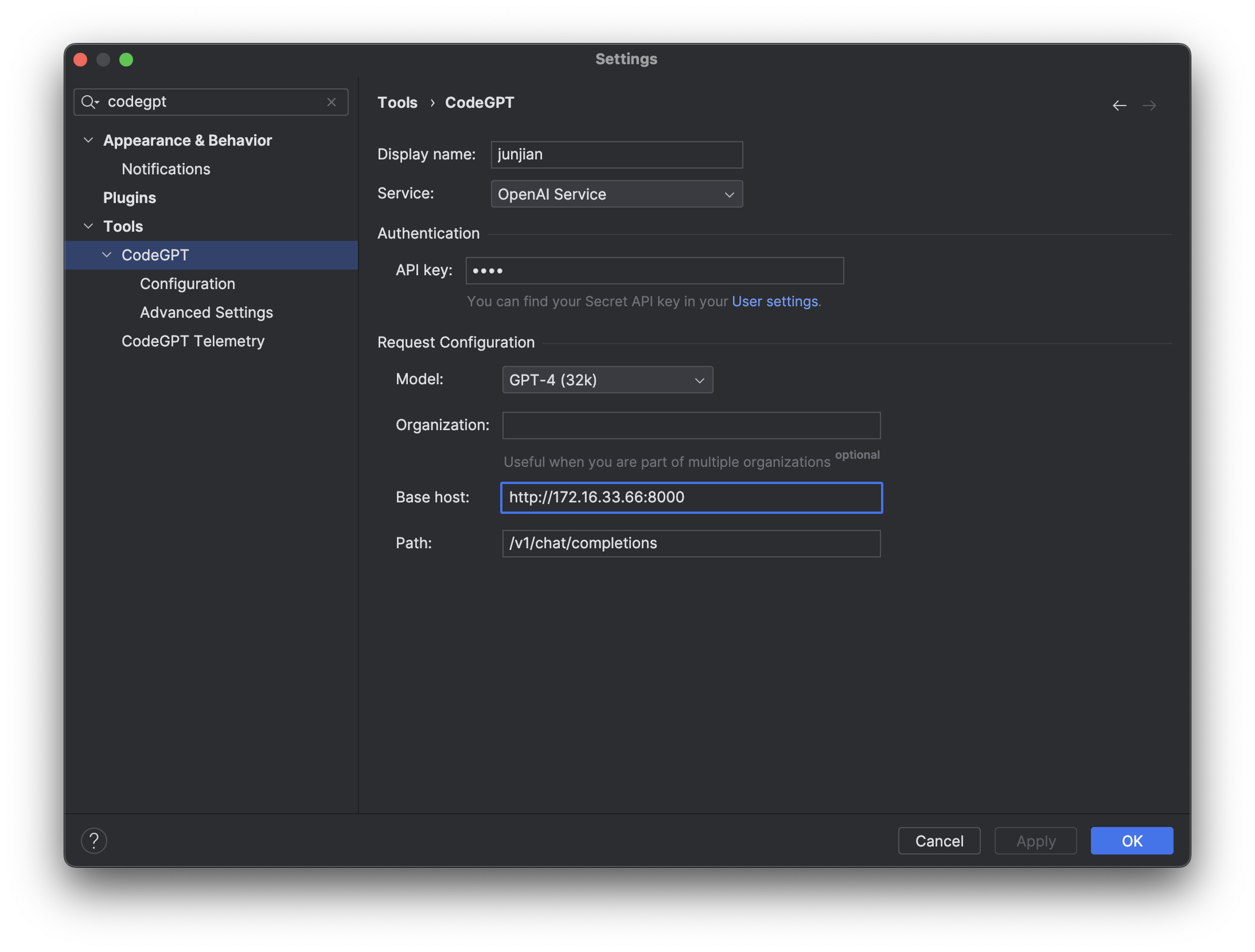
这里访问的 OpenAI 服务是我自己搭建的,使用的是 FastChat + ChatGLM3-6B。

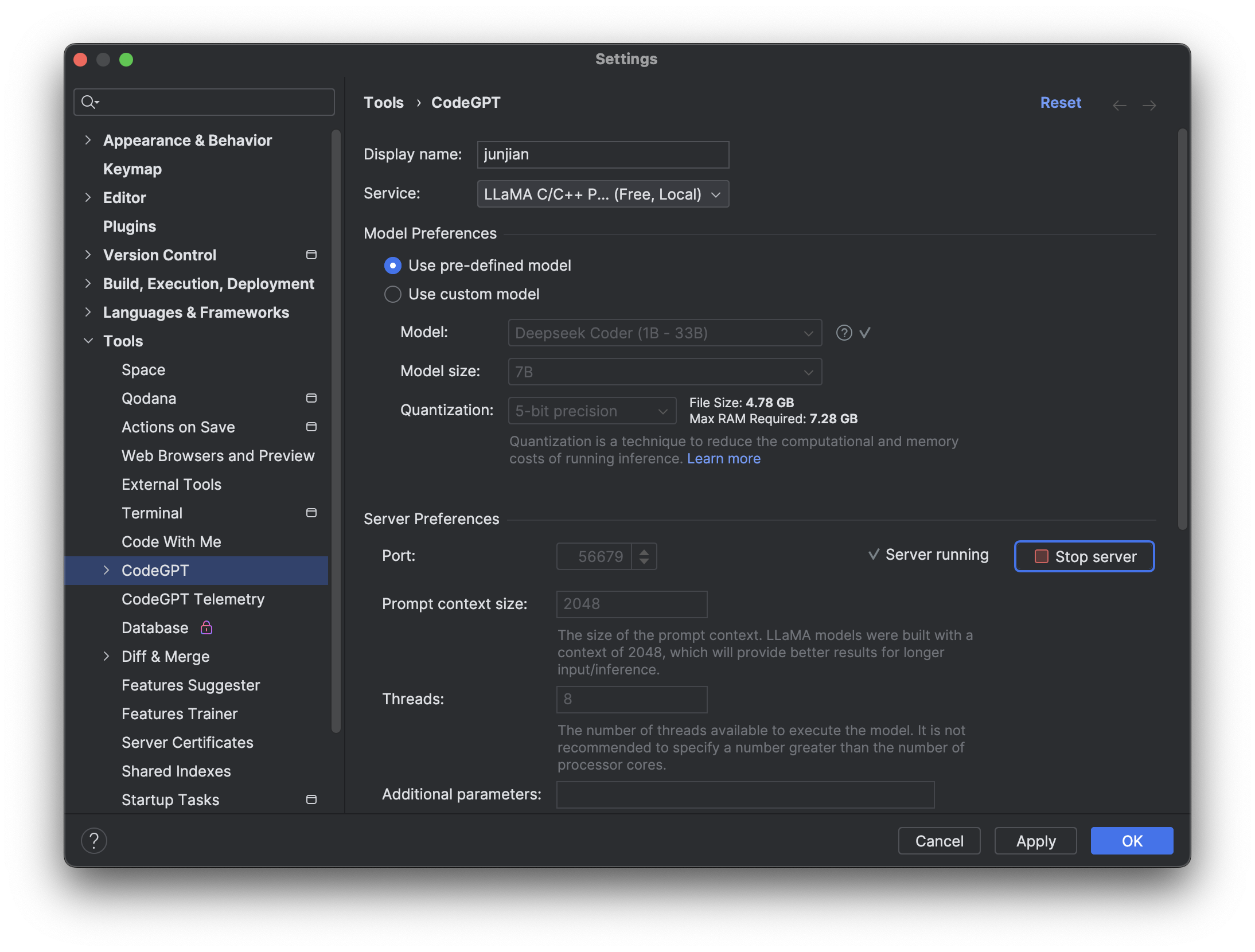
模型缓存到 ~/.codegpt/models/gguf 目录下,如果模型不存在,可以单击 Download Model 下载。

也可以自己到 HuggingFace 下载模型,然后放到 ~/.codegpt/models/gguf 目录下。

单击 Start server 启动服务。

查看缓存的模型

ls ~/.codegpt/models/gguf
deepseek-coder-6.7b-instruct.Q5_K_M.gguf

可以到 HuggingFace 下载 LLaMA 2-7B-Chat 模型的 GGUF格式。

  • Service: LLaMA C/C++ Port (Free, Local)
  • Use custom model
    • Model path: 您下载的 LLaMA 2-7B-Chat 模型的路径
    • Prompt template: Llama

单击 Start server 启动服务。