7 篇文章带有标签 “FastChat”

LLM 的基准测试

  • Ampere, Ada, or Hopper GPUs (e.g., A100, RTX 3090, RTX 4090, H100). Support for Turing GPUs (T4, RTX 2080) is coming soon, please use FlashAttention 1.x for Turing GPUs for now.
  • Datatype fp16 and bf16 (bf16 requires Ampere, Ada, or Hopper GPUs).
  • All head dimensions up to 256. Head dim > 192 backward requires A100/A800 or H100/H800.

Turing GPU T4 不支持,需要使用 FlashAttention 1.x,否则会报错 ❌:

data: {
  "text": "**NETWORK ERROR DUE TO HIGH TRAFFIC. PLEASE REGENERATE OR REFRESH THIS PAGE.**\n\n(FlashAttention only supports Ampere GPUs or newer.)", 
  "error_code": 50001
}

在 MacBook Pro M2 Max 上安装 FastChat

FastChat 是一个开放平台,用于训练、服务和评估基于大型语言模型的聊天机器人。

mkdir deepseek-ai
ln -s /Users/junjian/HuggingFace/deepseek-ai/deepseek-llm-7b-chat deepseek-ai/deepseek-llm-7b-chat
ln -s /Users/junjian/HuggingFace/deepseek-ai/deepseek-coder-1.3b-instruct deepseek-ai/deepseek-coder-1.3b-instruct
mkdir THUDM
ln -s /Users/junjian/HuggingFace/THUDM/chatglm3-6b THUDM/chatglm3-6b
  • deepseek-ai/deepseek-llm-7b-chat
python -m fastchat.serve.model_worker \
    --model-path deepseek-ai/deepseek-llm-7b-chat --port 21002 \
    --worker-address http://localhost:21002 \
    --device mps

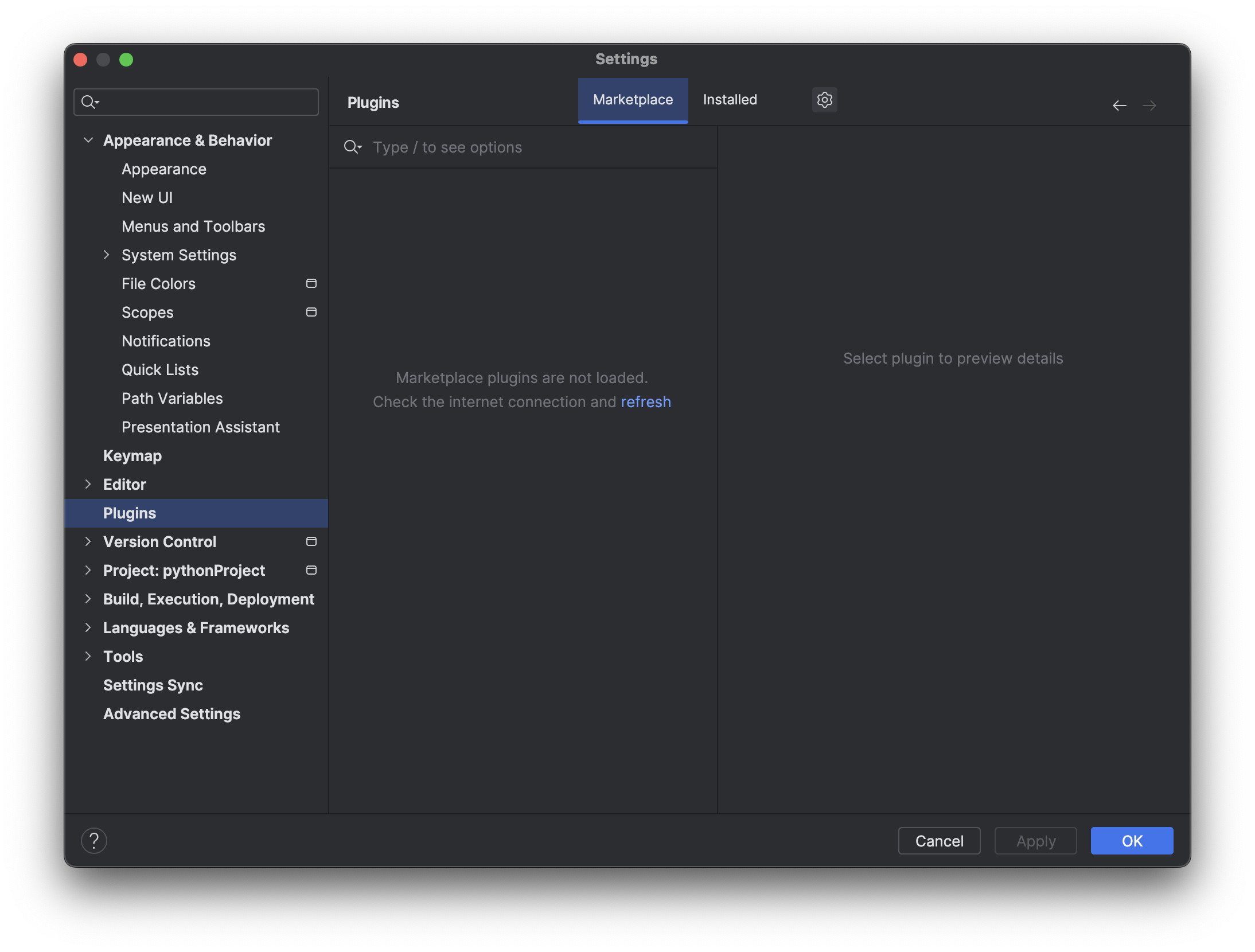
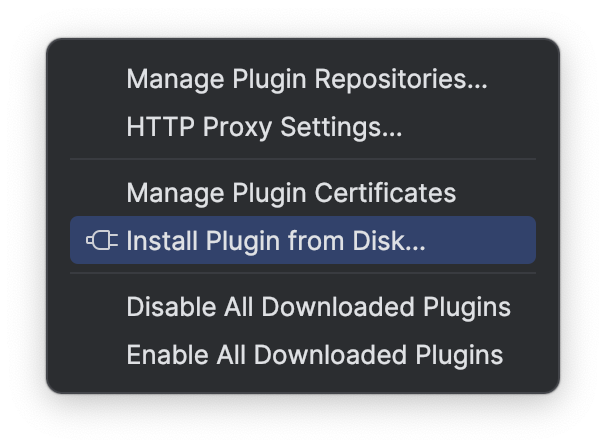
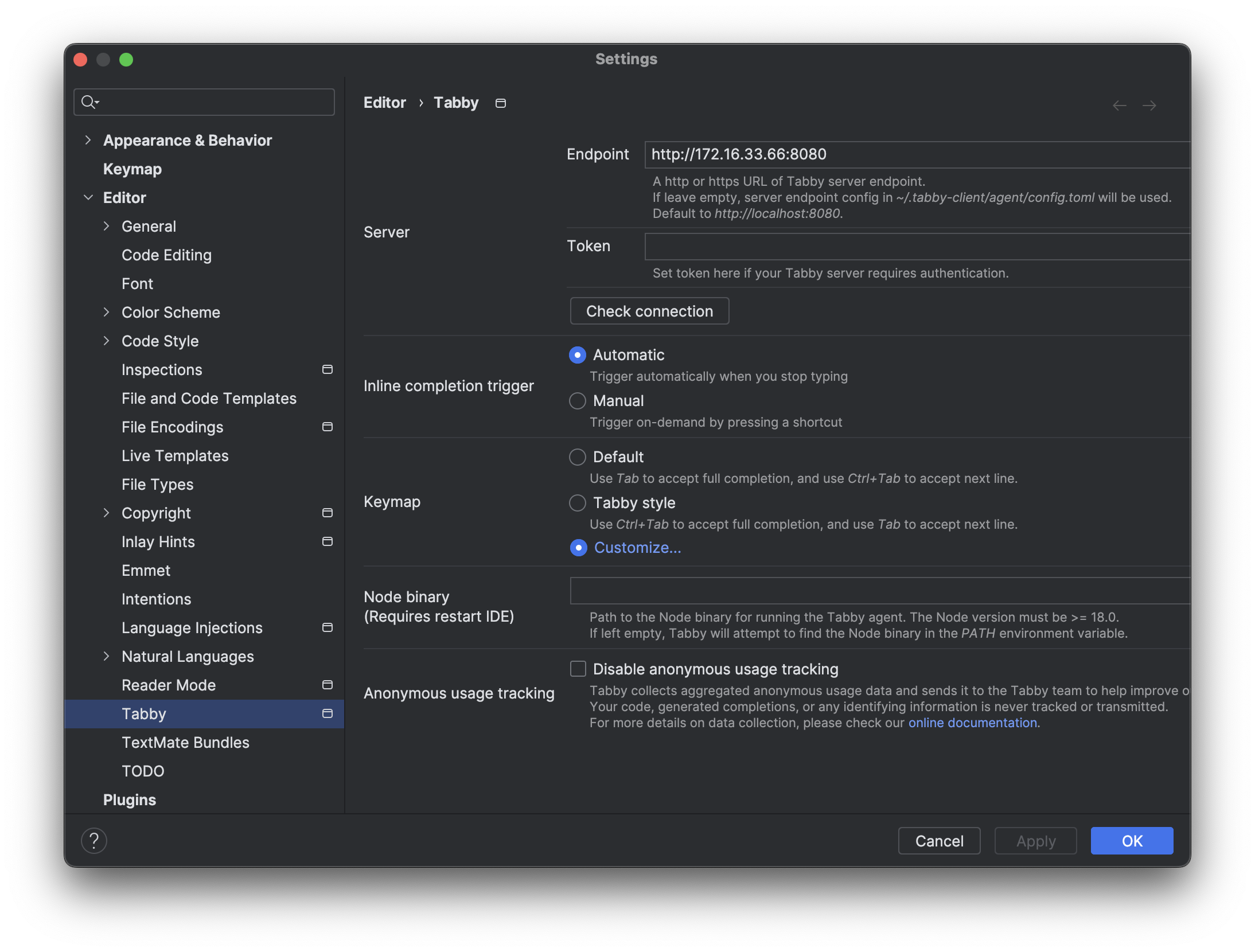
基于 PyCharm 使用 Tabby 和 CodeGPT 插件搭建免费的 GitHub Copilot

  • 启动服务 Controller
python -m fastchat.serve.controller
  • 启动服务 Model Worker
python -m fastchat.serve.model_worker \
  --model-path THUDM/chatglm3-6b --port 21002 \
  --worker-address http://localhost:21002 \
  --model-names chatglm3-6b,gpt-3.5-turbo
  • 启动服务 OpenAI API Server
python -m fastchat.serve.openai_api_server --port 8000

Langchain‐Chatchat 和 FastChat 结合

fatal: fetch-pack: invalid index-pack output

Cloning into 'Langchain-Chatchat'...
remote: Enumerating objects: 8958, done.
remote: Counting objects: 100% (270/270), done.
remote: Compressing objects: 100% (168/168), done.
error: 6146 bytes of body are still expectediB | 367.00 KiB/s 
fetch-pack: unexpected disconnect while reading sideband packet
fatal: early EOF
fatal: fetch-pack: invalid index-pack output

这个错误可能是由于网络问题或者 Git 服务器问题导致的。当 Git 在克隆仓库时,它需要从服务器下载一些数据。如果在这个过程中连接被中断,或者服务器发送的数据有问题,就可能会出现这个错误。

你可以尝试以下几种解决方法:

Qwen (通义千问)

  • 命令行聊天
python cli_demo.py
  • Web 聊天
python web_demo.py
  • Model Worker
python -m fastchat.serve.model_worker \
    --model-path Qwen/Qwen-1_8B-Chat --port 21002 \
    --worker-address http://localhost:21002 \
    --device mps
  • OpenAI API Server
python -m fastchat.serve.openai_api_server --port 8000
  • Web Server
python -m fastchat.serve.gradio_web_server --host 0.0.0.0 --port 8001

使用 Web 聊天的时候出现乱码,感觉 ChatML 格式的问题。

FastChat 部署多模型


* [Chatbot Arena](https://chat.lmsys.org/) * [FastChat](https://github.com/lm-sys/FastChat) * [LMSYS BLOG](https://lmsys.org/blog/) * [Use AutoGen for Local LLMs](https://microsoft.github.io/autogen/blog/2023/07/14/Local-LLMs/)

这种方式安装比较容易调试,适合开发者。

克隆代码

git clone https://github.com/lm-sys/FastChat.git
cd FastChat

创建环境

python -m venv env
source env/bin/activate

安装

pip install --upgrade pip  # enable PEP 660 support
pip install -e ".[model_worker,webui]"
pip install -U transformers==4.33.0 # AttributeError: 'ChatGLMTokenizer' object has no attribute 'tokenizer'