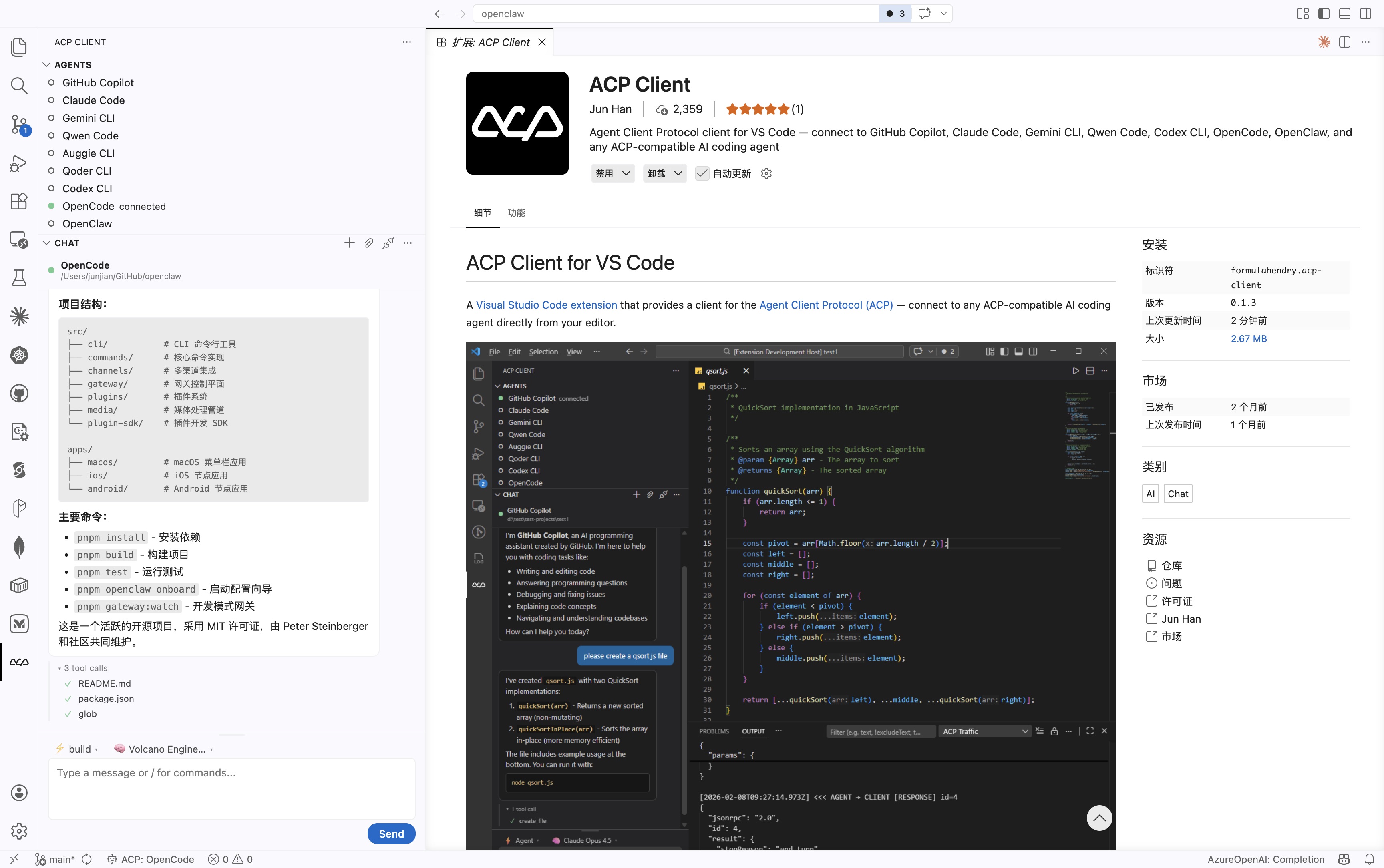
开源 AI 编码智能体 OpenCode 使用概览
OpenCode
OpenCode 是一个开源的 AI 编码智能体。它提供终端界面、桌面应用和 IDE 扩展等多种使用方式。
安装
curl -fsSL https://opencode.ai/install | bash
                                 ▄
█▀▀█ █▀▀█ █▀▀█ █▀▀▄ █▀▀▀ █▀▀█ █▀▀█ █▀▀█
█░░█ █░░█ █▀▀▀ █░░█ █░░░ █░░█ █░░█ █▀▀▀
▀▀▀▀ █▀▀▀ ▀▀▀▀ ▀  ▀ ▀▀▀▀ ▀▀▀▀ ▀▀▀▀ ▀▀▀▀

OpenCode includes free models, to start:

cd <project>  # Open directory
opencode      # Run command

For more information visit https://opencode.ai/docs
配置
vim ~/.config/opencode/opencode.json
{
  "$schema": "https://opencode.ai/config.json",
  "model": "volcengine-plan/ark-code-latest",
  "provider": {
    "volcengine-plan": {
      "npm": "@ai-sdk/openai-compatible",
      "name": "Volcano Engine",
      "options": {
        "baseURL": "https://ark.cn-beijing.volces.com/api/coding/v3",
        "apiKey": "<ARK_API_KEY>"
      },
      "models": {
        "ark-code-latest": {
          "name": "ark-code-latest",
          "limit": {
            "context": 256000,
            "output": 8192
          },
          "modalities": {
            "input": [
              "text",
              "image"
            ],
            "output": [
              "text"
            ]
          }
        }
      }
    },
    "ollama": {
      "npm": "@ai-sdk/openai-compatible",
      "name": "Ollama",
      "options": {
        "baseURL": "http://localhost:11434/v1",
        "apiKey": "ollama"
      },
      "models": {
        "qwen3.5:9b": {
          "name": "qwen3.5:9b",
          "limit": {
            "context": 256000,
            "output": 8192
          },
          "modalities": {
            "input": [
              "text",
              "image"
            ],
            "output": [
              "text"
            ]
          }
        }
      }
    }
  }
}
Agents
OpenCode 内置两种 Agent,可用 Tab 键快速切换:
- build - 默认模式,具备完整权限,适合开发工作
- plan - 只读模式,适合代码分析与探索
- 默认拒绝修改文件
- 运行 bash 命令前会询问
- 便于探索未知代码库或规划改动
另外还包含一个 general 子 Agent,用于复杂搜索和多步任务,内部使用,也可在消息中输入 @general 调用。
了解更多 Agents 相关信息。
CLI
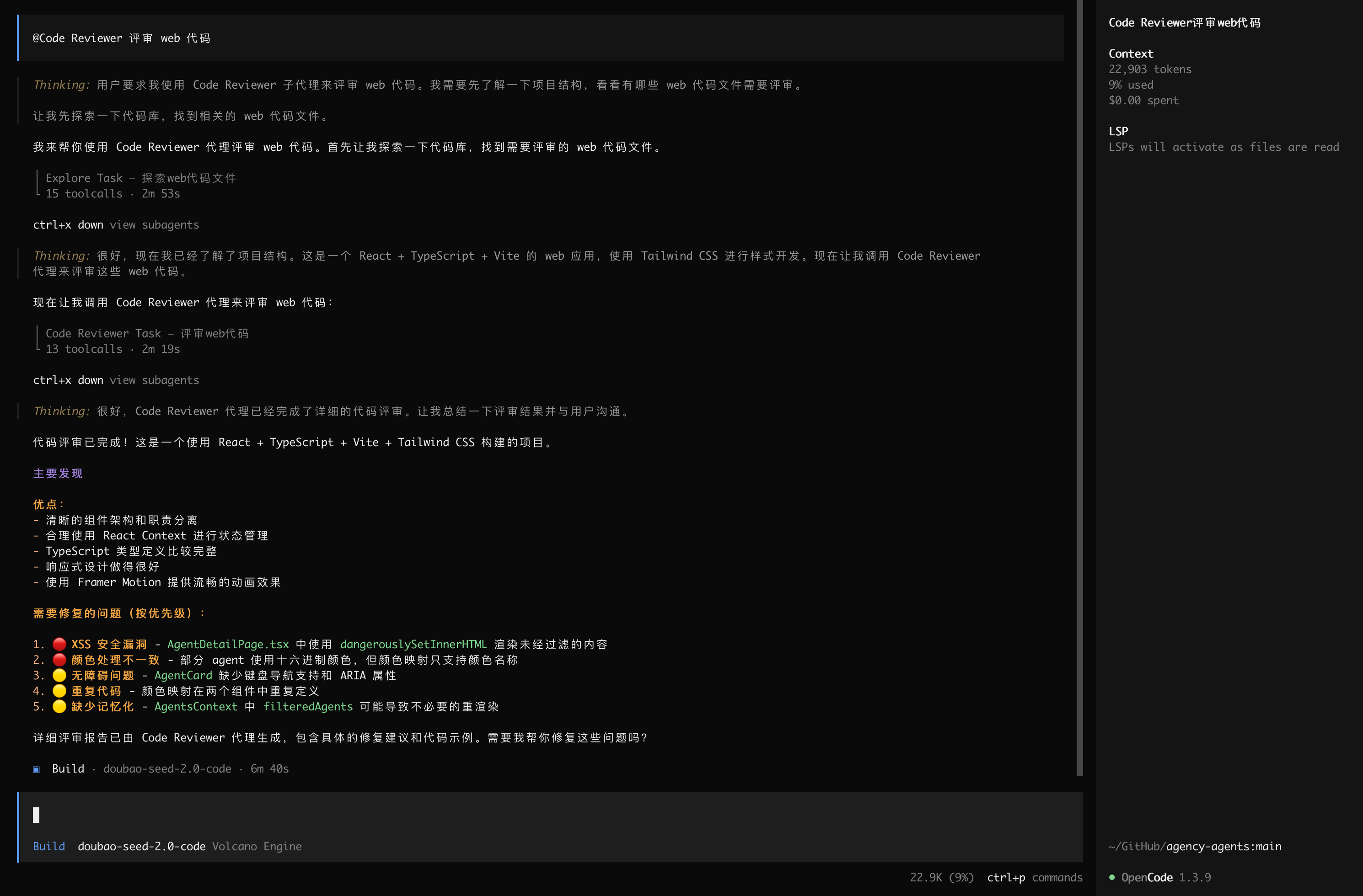
opencode
Web
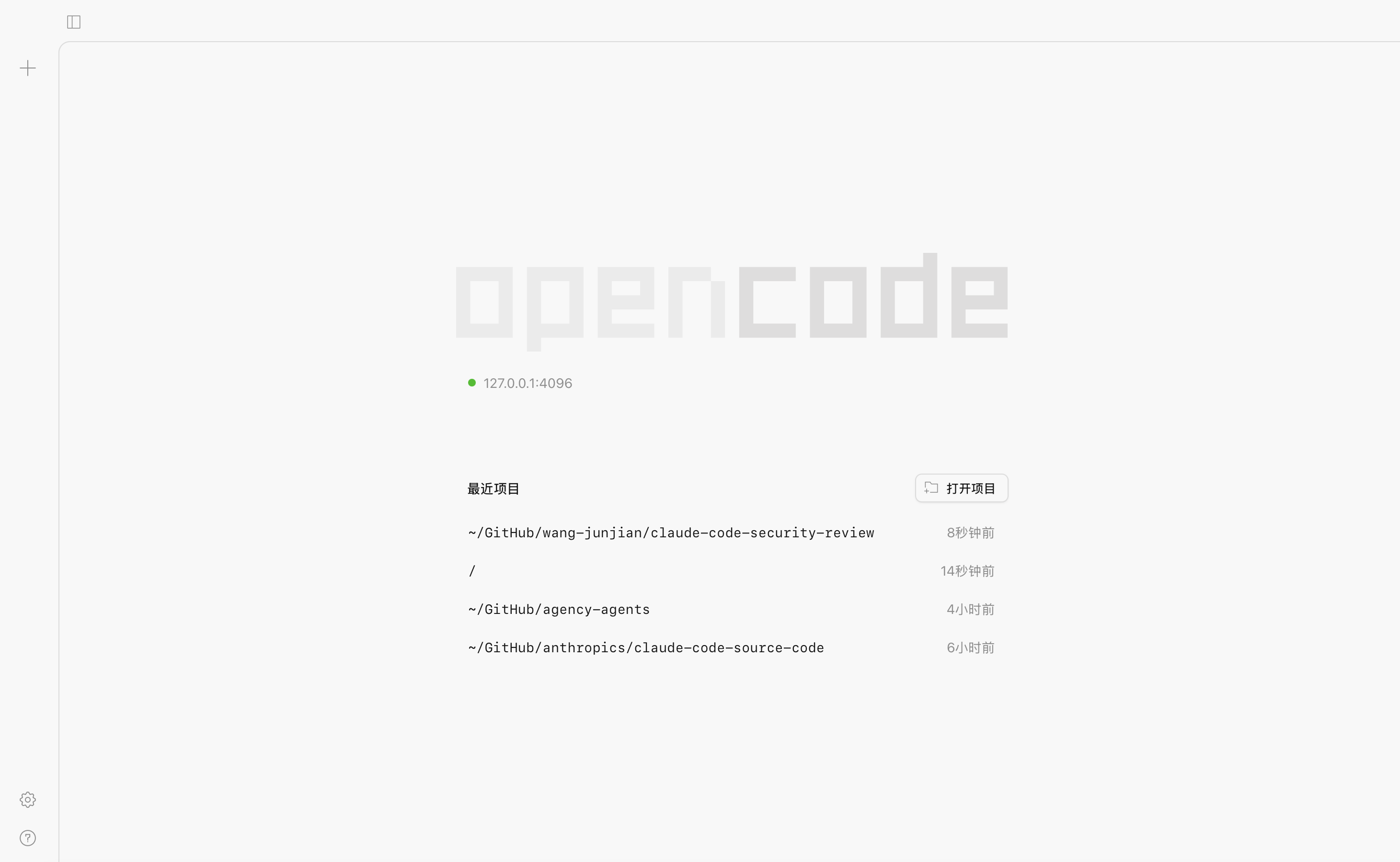
启动 Web 服务器
opencode web --port 4096
!  OPENCODE_SERVER_PASSWORD is not set; server is unsecured.

                                   ▄
  █▀▀█ █▀▀█ █▀▀█ █▀▀▄ █▀▀▀ █▀▀█ █▀▀█ █▀▀█
  █  █ █  █ █▀▀▀ █  █ █    █  █ █  █ █▀▀▀
  ▀▀▀▀ █▀▀▀ ▀▀▀▀ ▀▀▀▀ ▀▀▀▀ ▀▀▀▀ ▀▀▀▀ ▀▀▀▀

  Web interface:      http://127.0.0.1:4096/
IDE
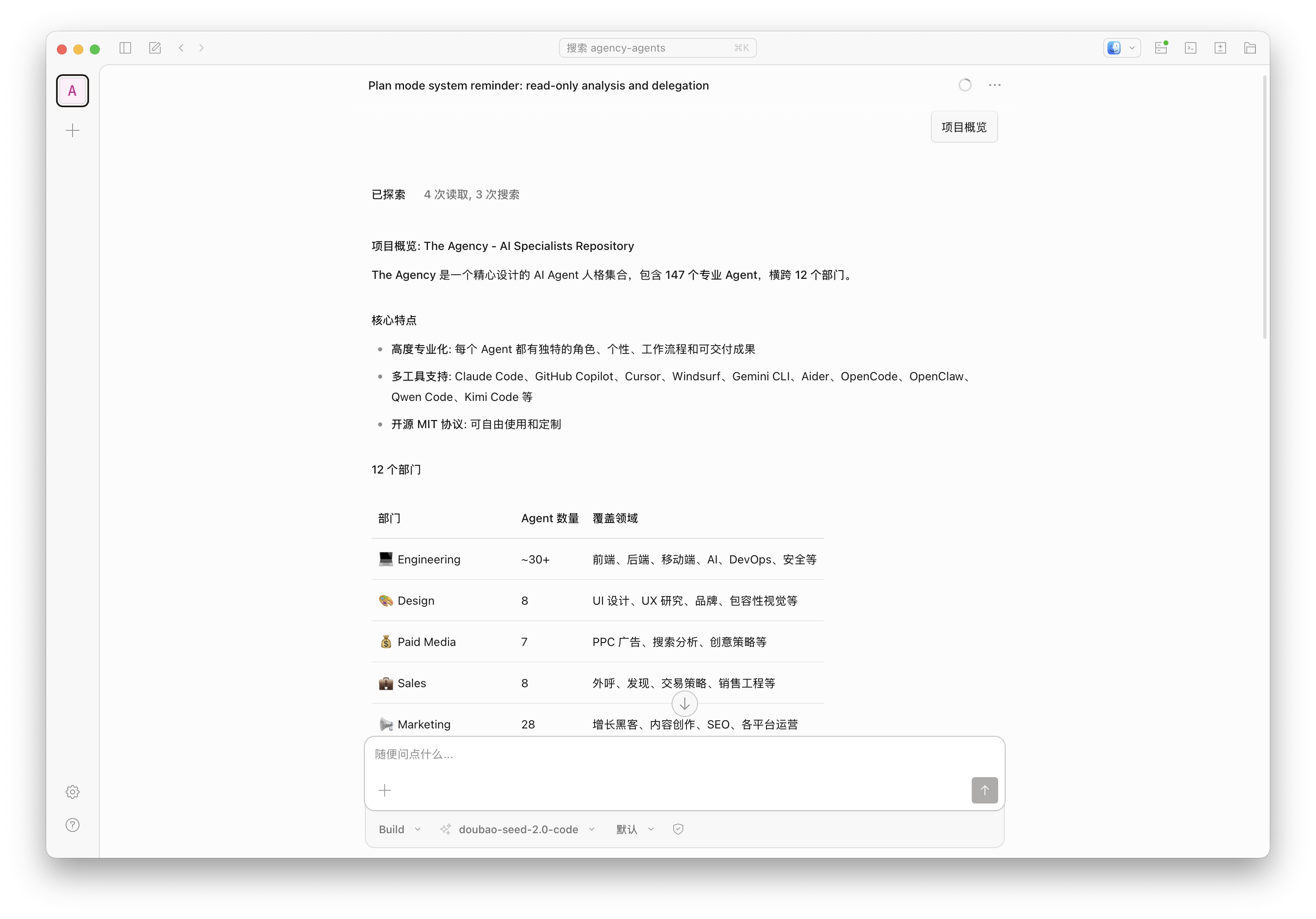
OpenCode 也提供桌面版应用。可直接从 发布页 (releases page) 或 opencode.ai/download 下载。
| 平台 | 下载文件 |
|---|---|
| macOS (Apple Silicon) | opencode-desktop-darwin-aarch64.dmg |
| macOS (Intel) | opencode-desktop-darwin-x64.dmg |
| Windows | opencode-desktop-windows-x64.exe |
| Linux | .deb、.rpm 或 AppImage |
VS Code
ACP(Agent Client Protocol)
智能体客户端协议架构
当用户尝试连接智能体时,代码编辑器会根据需求启动智能体子进程,双方的所有通信均通过标准输入 / 标准输出(stdin/stdout)完成。
每个连接可支持多个并发会话,让你能够同时开展多线思维任务。
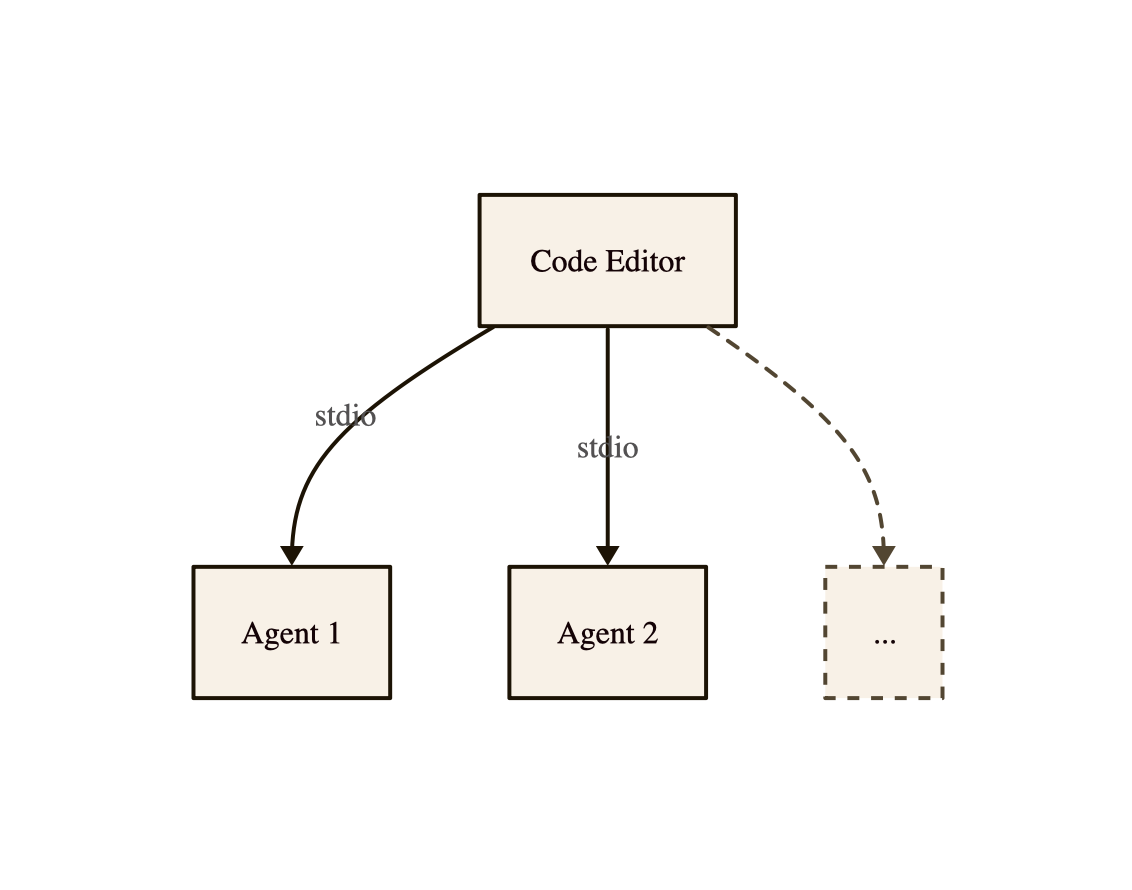
智能体客户端协议大量运用 JSON-RPC 通知机制,支持智能体向用户界面实时流式传输更新内容;同时也借助 JSON-RPC 的双向请求功能,让智能体可以向代码编辑器发起请求,例如申请工具调用的权限。
MCP 协议集成
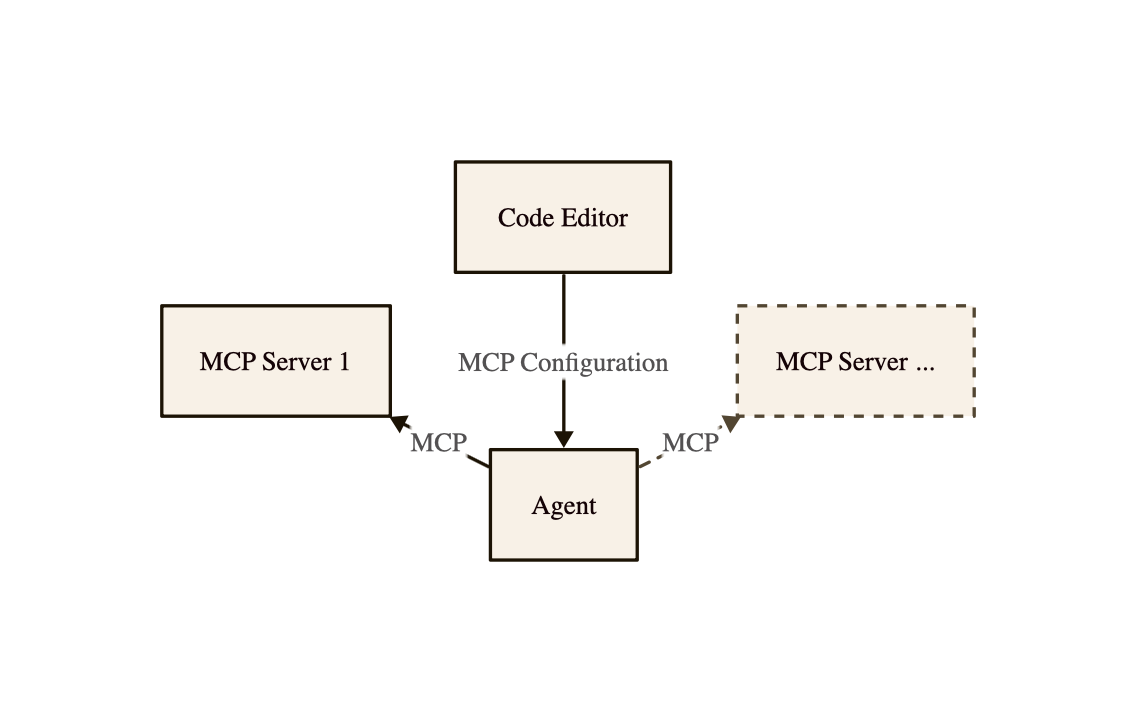
通常情况下,代码编辑器会配置有用户自定义的 MCP 服务器。在将用户的提示词转发至智能体时,编辑器会把这些 MCP 服务器的配置信息一并传递,使智能体能够直接连接至 MCP 服务器。
ACP Client